← Back to work
Case Study

PinReal.

Where authenticity meets creativity.

Project Type

UI Concept & Visual Exploration

Creator

Sharanya Vijayan

Date

November 2024

Tools

Figma
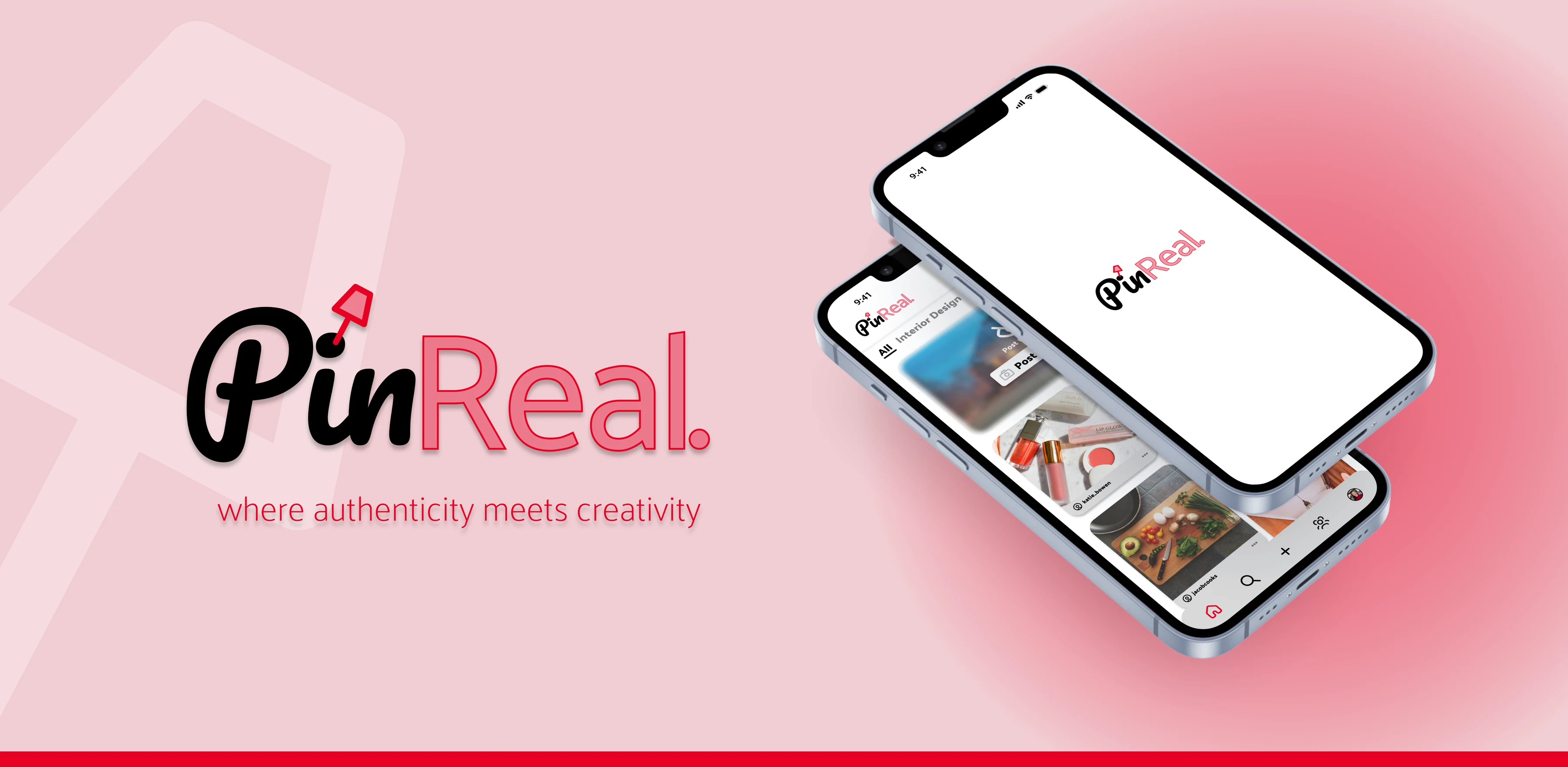
PinReal hero — logo, tagline, and phone mockups

(01) Overview

What is PinReal.?

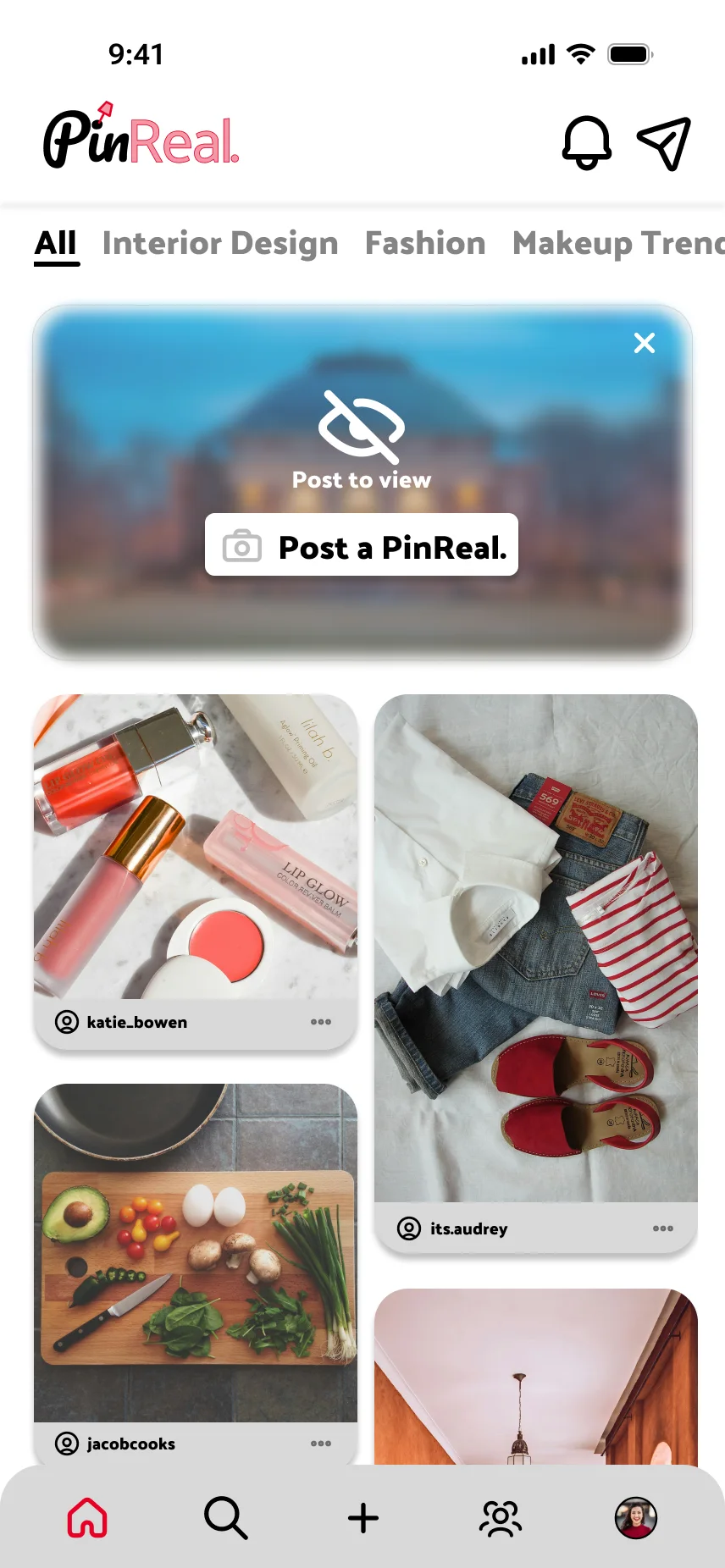
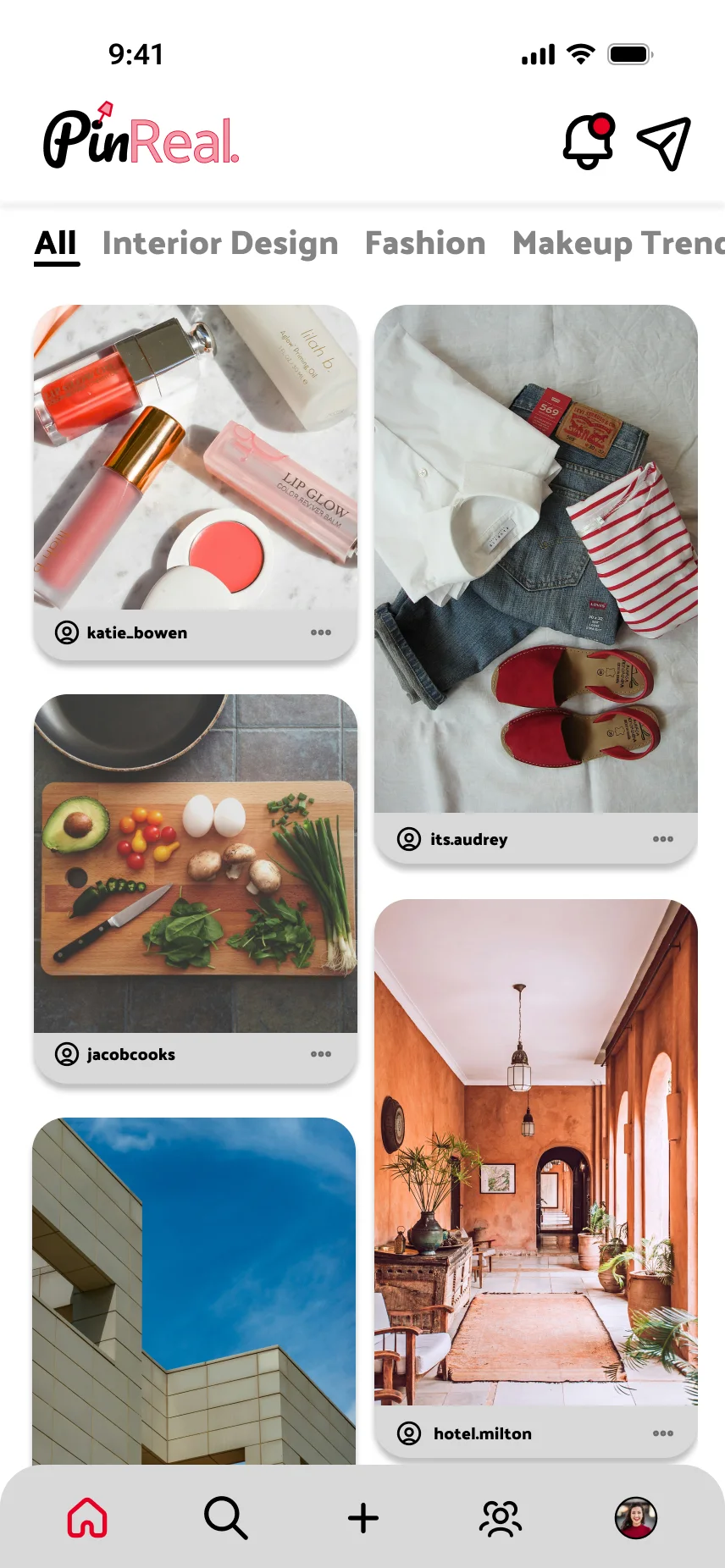
PinReal. is a concept app uniting the spontaneity of BeReal. with the creative exploration of Pinterest. Users share unfiltered moments in response to surprise prompts during a randomized daily posting window, then pin inspiring content to personalized mood boards.

PinReal. is a concept app developed as part of a design exercise, blending inspirations from BeReal. and Pinterest. All UI, branding, and assets are original and created solely for educational use. They do not represent or affiliate with the respective companies.
(02) Brand & Concept

Brand Voice & Tone

😊Playful
📷Authentic
Creative

Tone Mapping

Every product moment was mapped across two spectrums — expressive to informative, and spontaneous to structured — to keep playful moments (prompts, captions) and functional ones (errors, system status) feeling distinct but consistent.

daily prompt theme tagsmood board namingorganizing mood boardscaptions + theme tagscomments, reactions, sharing, pinningsystem status visibilityerror messagescancel / edit actionsfilter searchdaily promptsreal-time post countdownposting window notificationnumber of retakes allowed

(03) Research

User Personas

Three personas grounded the feature set in real motivations — from a high schooler chasing trends, to a design student building her portfolio, to a professional documenting her creative process.

Priya, 16

Priya, 16

High School Student

Behaviors

  • Up to date on all socials to keep in contact with friends and peers in school
  • On the marketing team for student council
  • Enjoys engaging with fashion and lifestyle content

Motivations

  • Likes staying connected with peers and up to date on fashion and makeup trends
  • Posts content for student council, bringing attention to academic programs and school events

Usage Habits

  • Can spontaneously share moments of her day at school
  • Good publicity for the student council board
Maya, 22

Maya, 22

Undergraduate Graphic Design Student

Behaviors

  • Avid Pinterest user who curates numerous mood boards
  • Enjoys sharing “behind the scenes” of her design process on socials
  • Enjoys interacting with peers in the creative field

Motivations

  • Always looking for inspiration for her graphic design portfolio

Usage Habits

  • Can share workspace, recent sketches, and follow other users' content
  • Feels a stronger sense of community within the design world
Xavier, 28

Xavier, 28

Event Coordinator

Behaviors

  • Loves curating personalized mood boards for clients to understand their vision
  • Actively posts on socials to advertise his services — event setups, client meetings, etc.

Motivations

  • Wants to share raw, authentic snapshots of his day to show that not everything needs to be edited
  • Likes sharing his creative process and expertise to motivate others in similar spaces

Usage Habits

  • Can share multiple moments in his day, almost like a “creative journal”
  • Consistently seeks inspiration from other creators and follows their content

(04) Process

User Flow

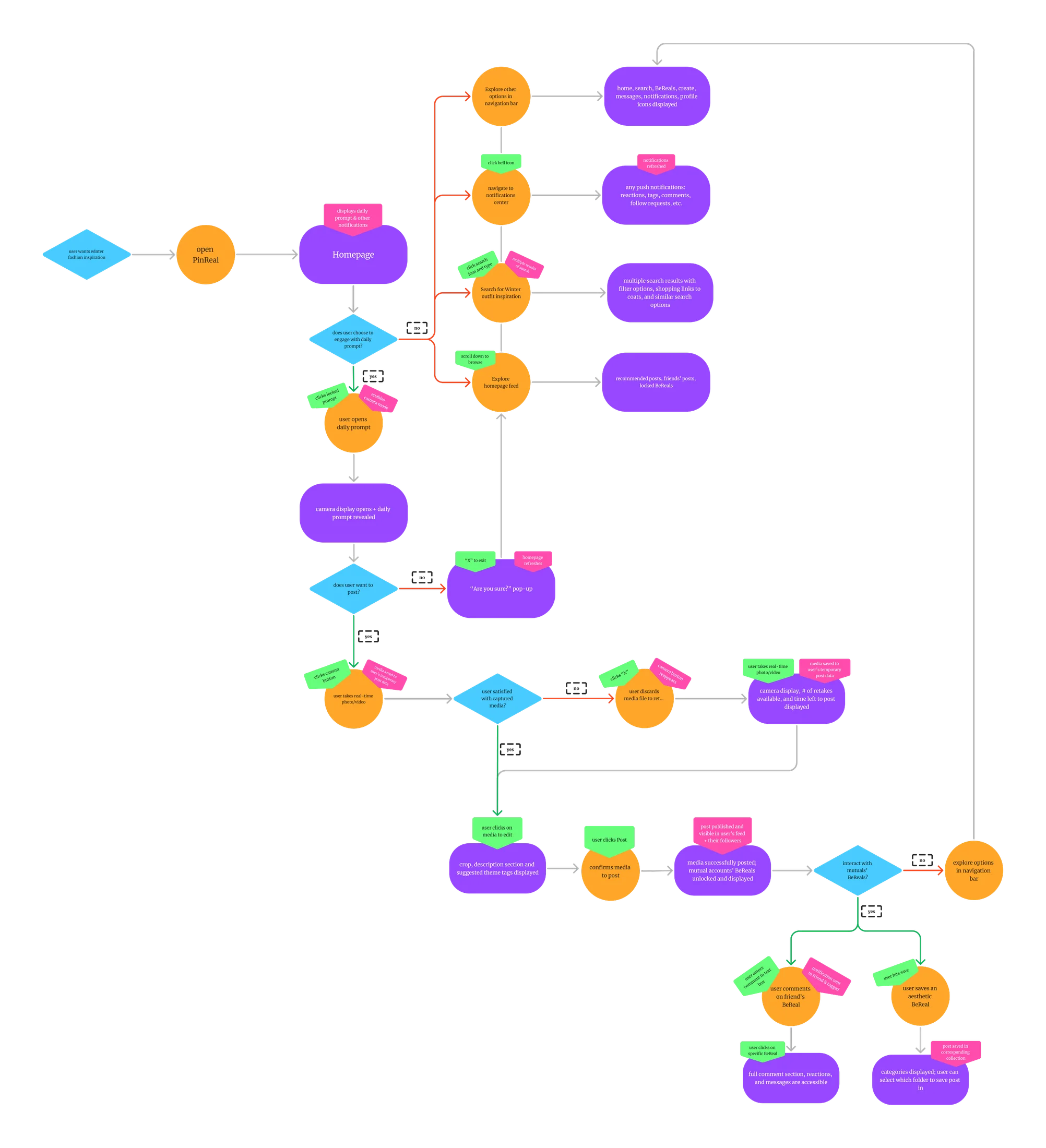
Mapping the end-to-end path from opening the app to posting, exploring, and engaging with friends’ PinReals. — including the branching logic behind retakes, notifications, and unlocking the feed.

PinReal user flow diagram

(05) UI Foundations

Design System

Accent Font

Pacifico

Accent font inspired by Pinterest, bringing a creative and playful feel to the app.

Aa Bb Cc Dd Ee Ff Gg

Main Font

Palanquin

Main font inspired by BeReal., bringing a modern, clean touch to the app. Echoes simplicity and legibility.

Aa Bb Cc Dd Ee Ff Gg

Color Palette

#F1CDD2

Blush Pink

#F695A4

Salmon Pink

#E60023

PinReal Red · Primary

#FFFFFF

White

#858585

Gray

#000000

Black

#D9D9D9

Light Gray

Logo & App Icon

PinReal pin mark
PinReal pin mark
PinReal pin mark
PinReal.

A hand-drawn pin mark over the “i” ties the wordmark back to Pinterest’s pinning metaphor, while the two-weight lockup — Pacifico + Palanquin Dark — mirrors the BeReal. × Pinterest concept.

PinReal icon and component library

(06) Solution

Product Walkthrough

From the daily prompt to a fully organized board of pinned moments — the full flow, screen by screen.

01

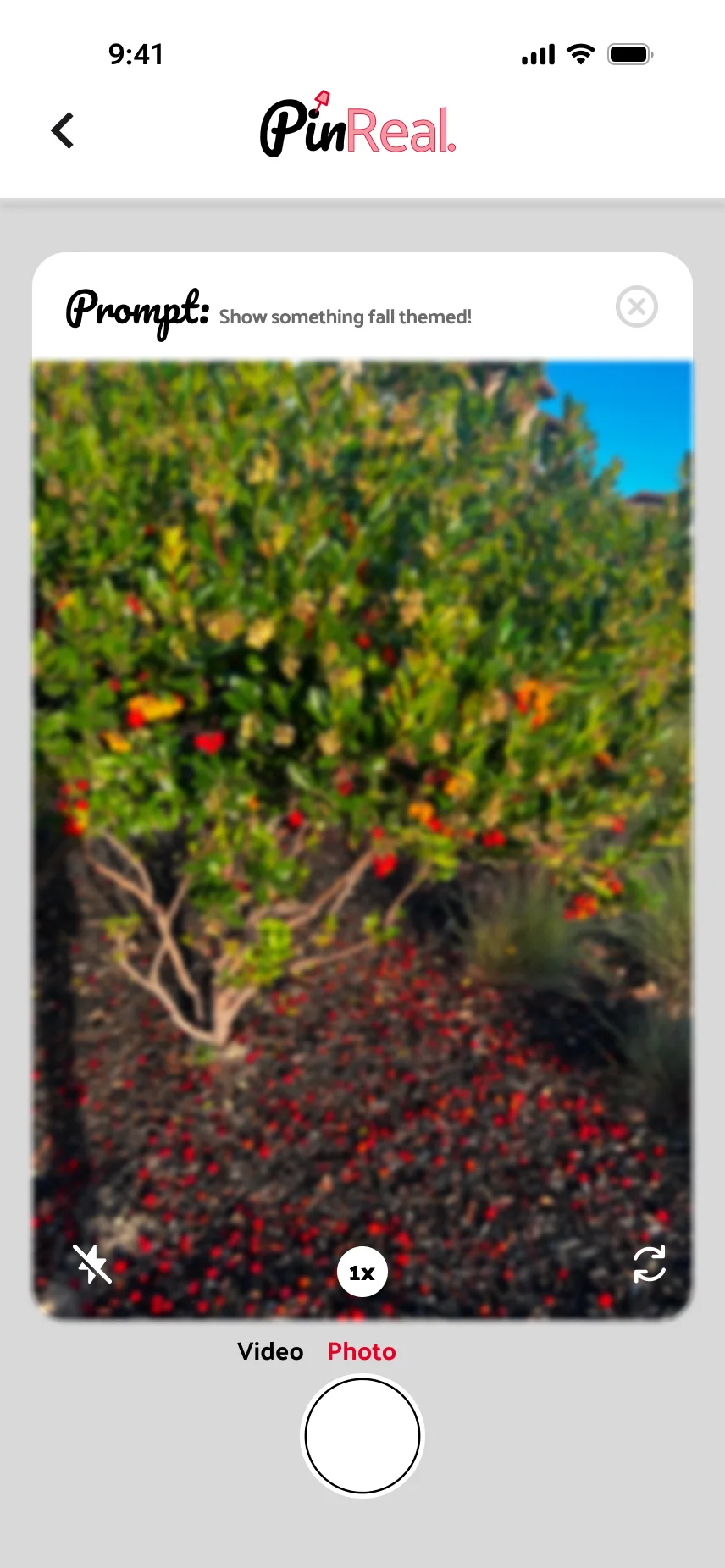
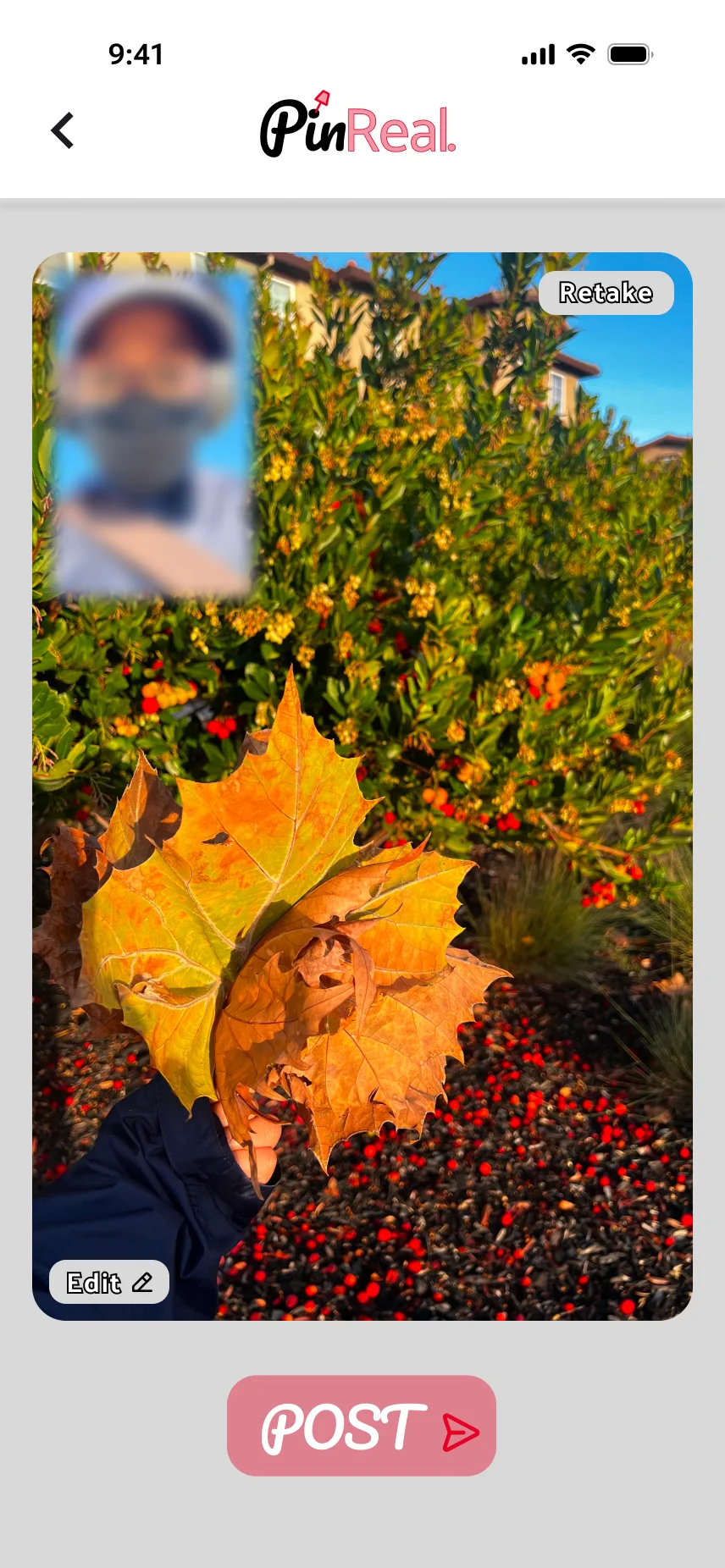
Posting a PinReal.

Users can choose to post a PinReal. to unlock their friends' PinReals. — or scroll through their feed instead.

Camera view with a daily prompt
Captured photo, first take
02

Retaking a PinReal.

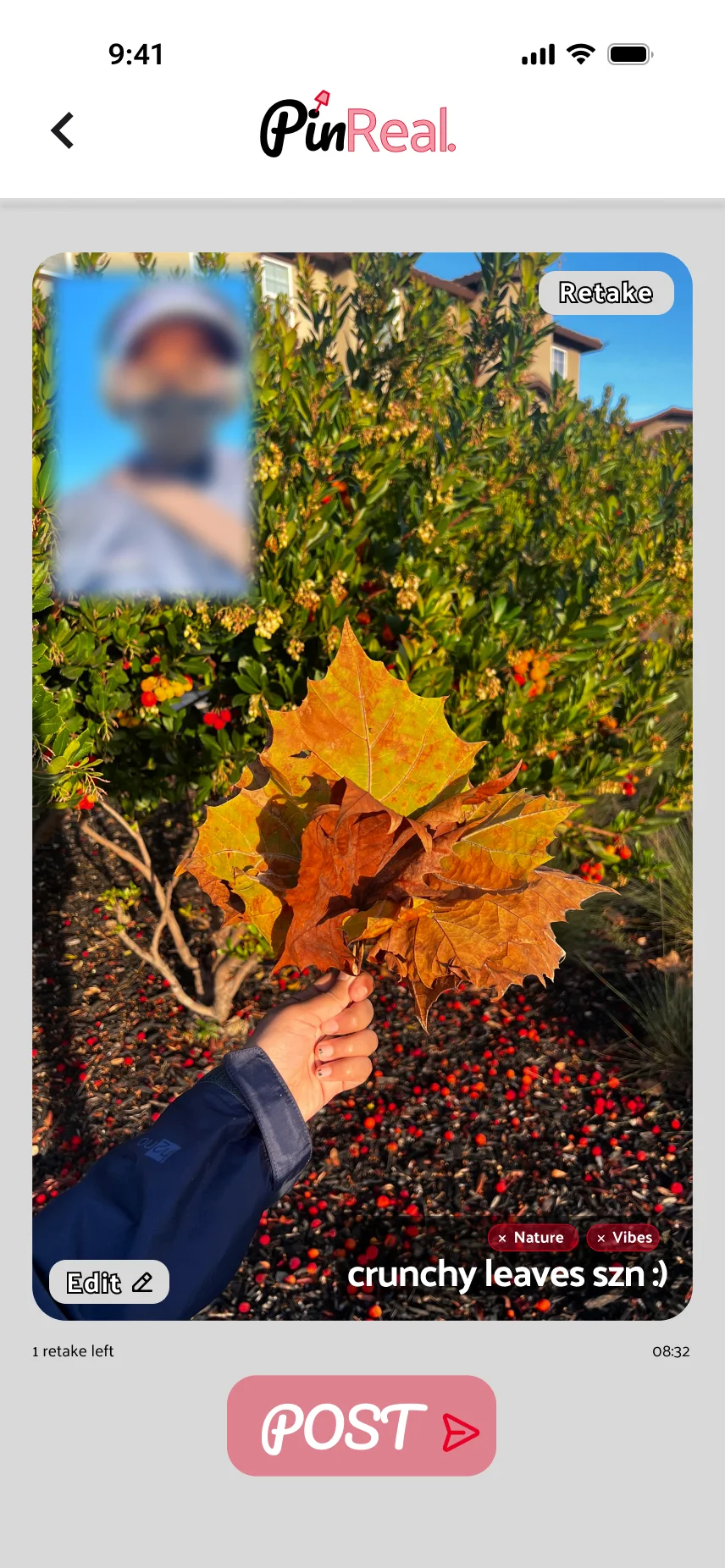
Users have up to two retakes and ten minutes in total to post “on time.” After the first attempt, the remaining time and retakes are displayed.
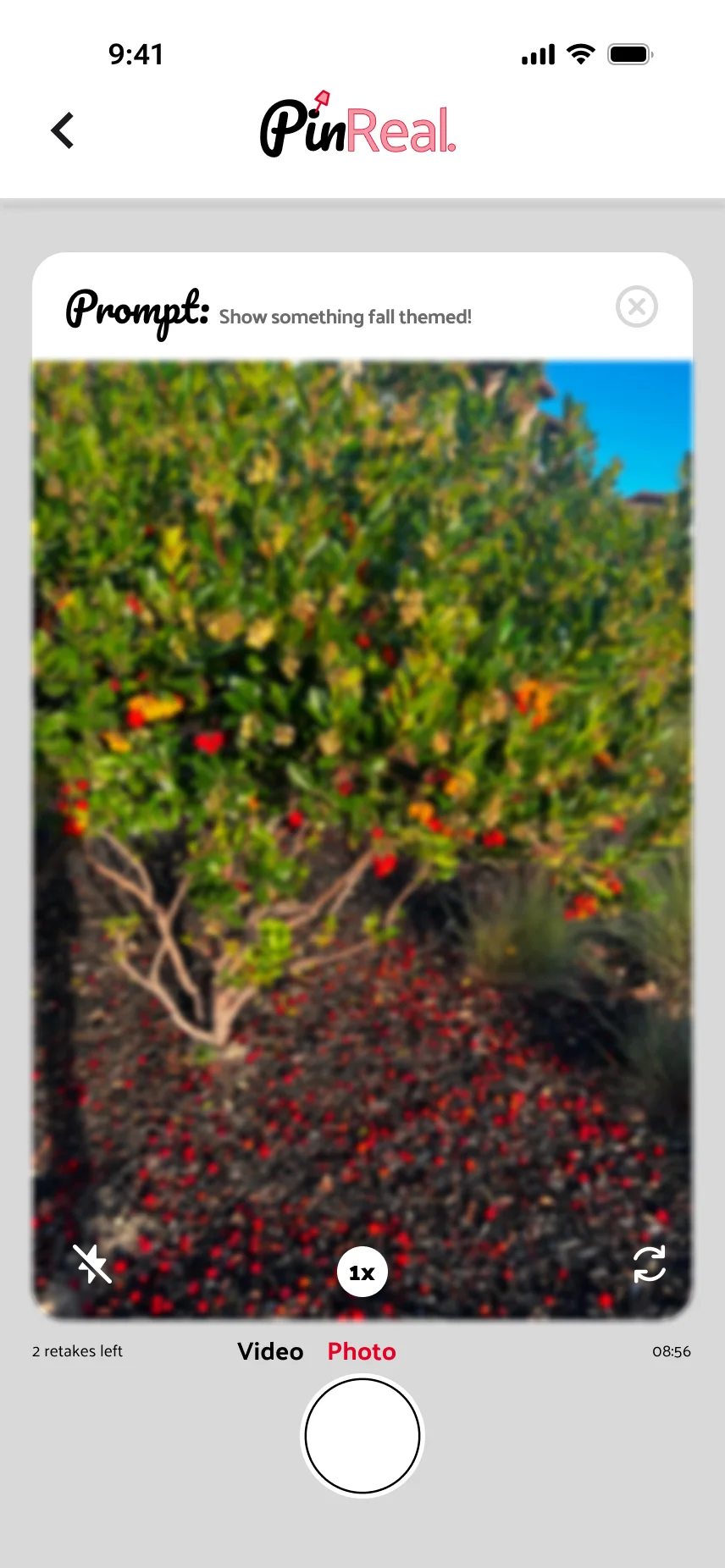
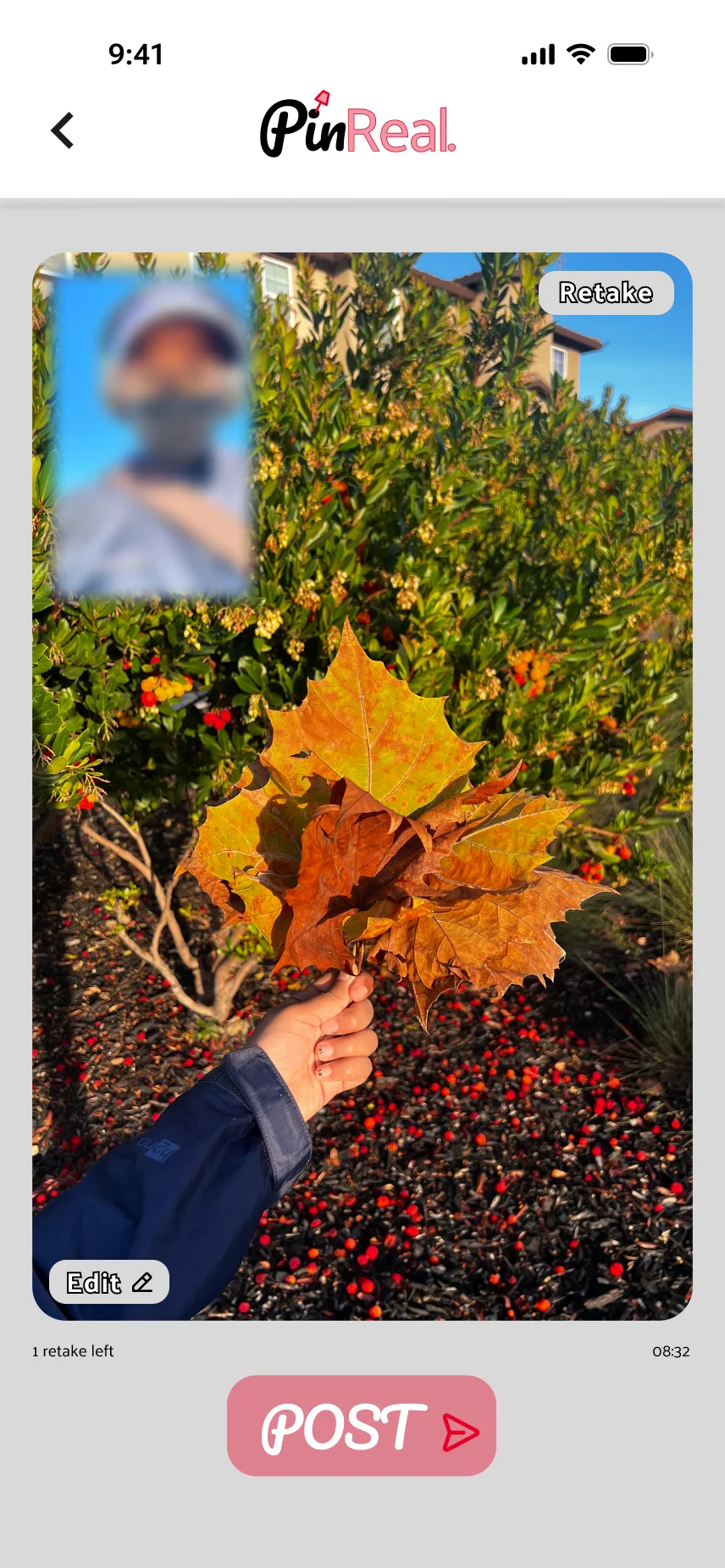
Camera view showing retake count
Captured photo, second take
03

Editing a PinReal.

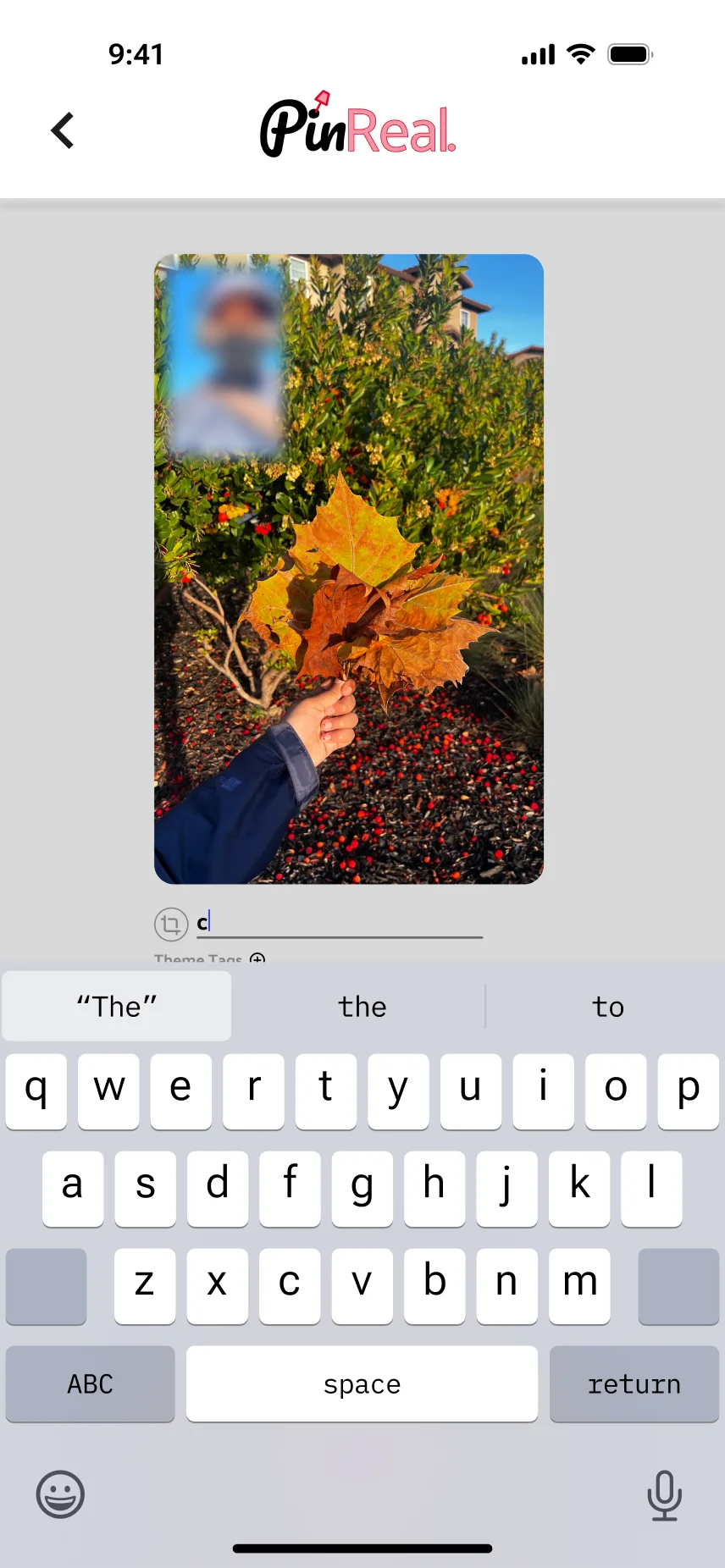
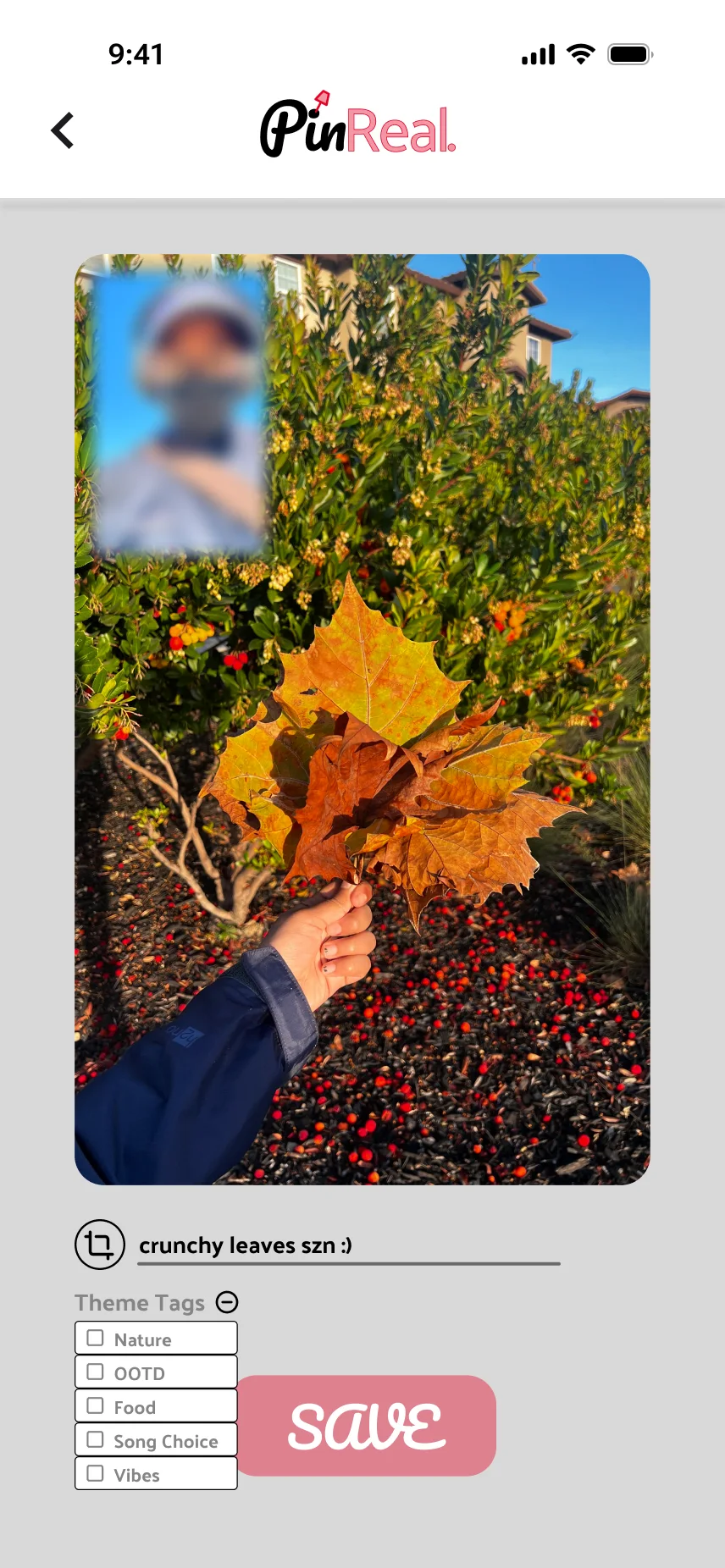
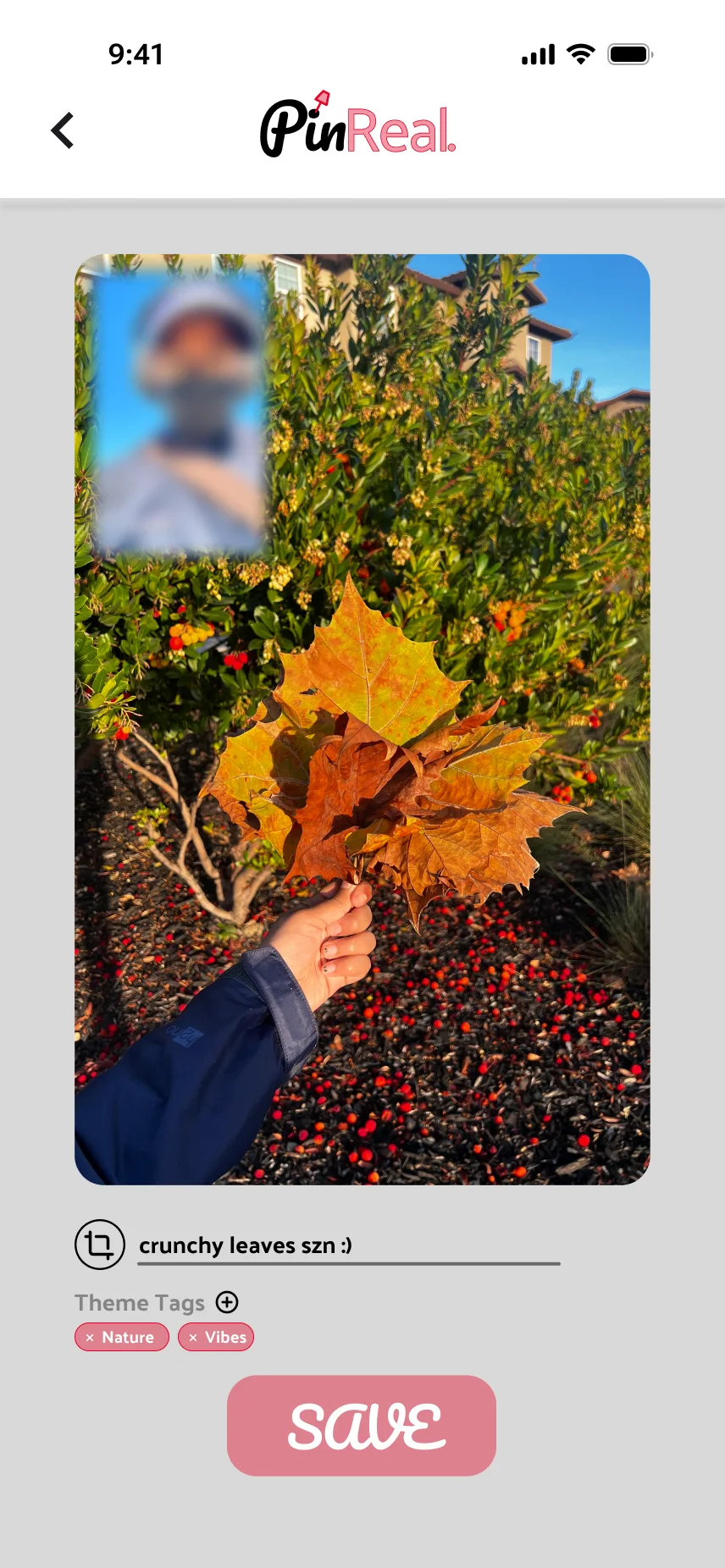
Users can resize their photo, write a caption, and select theme tags relevant to their PinReal.
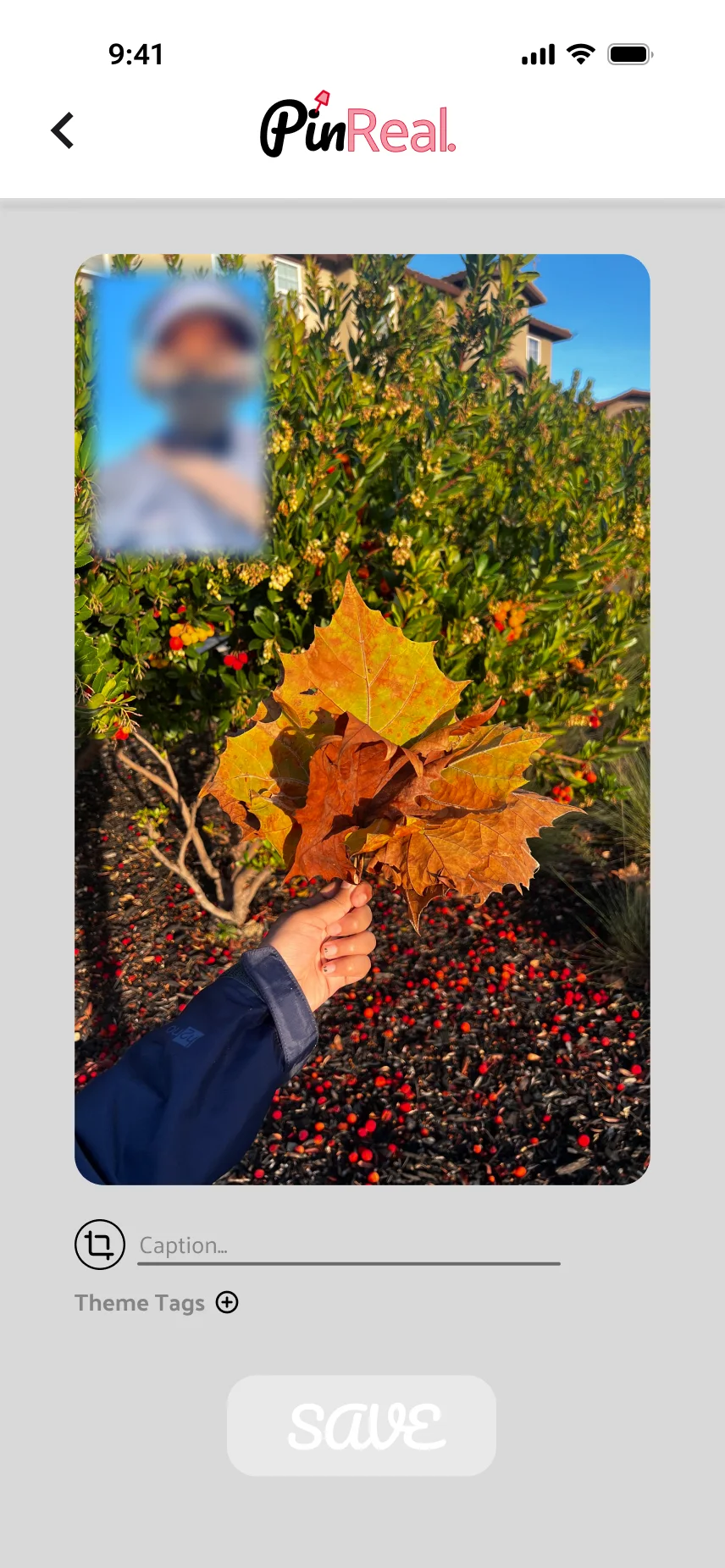
Resizing and editing a PinReal
Typing a caption
Adding a theme tag
Theme tag added
04

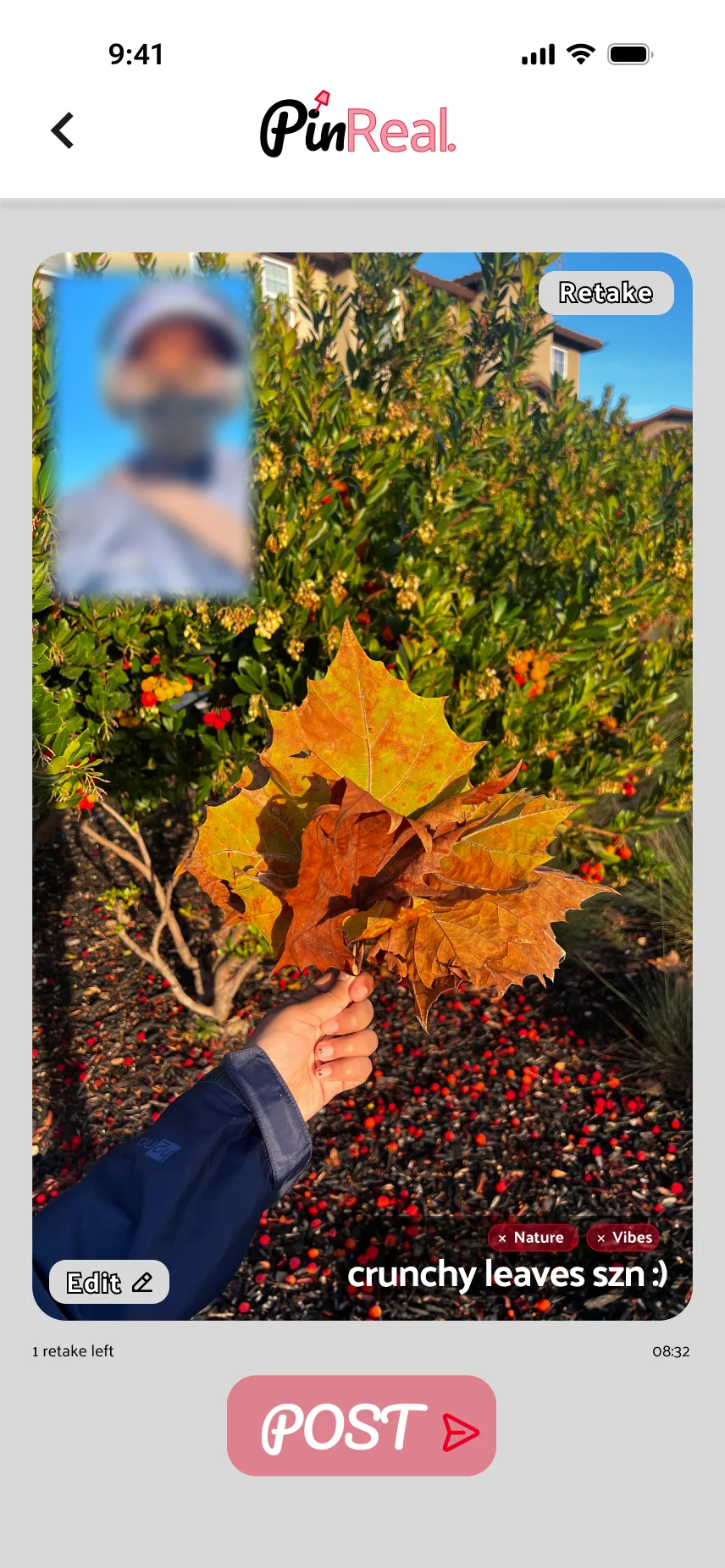
Posting the PinReal.

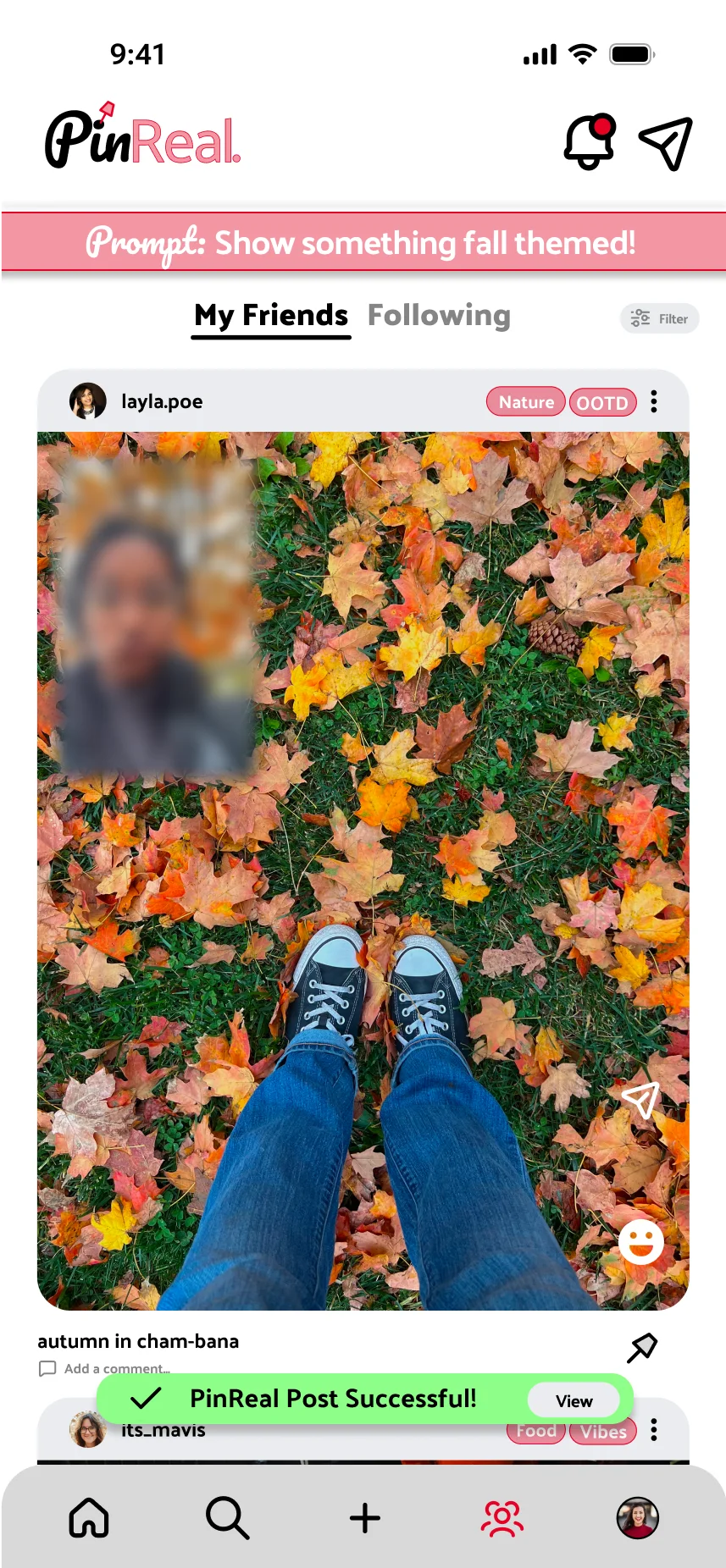
Users see the final display of their PinReal. and can successfully post it to their feed.

Post successful confirmation
05

Pinning a PinReal.

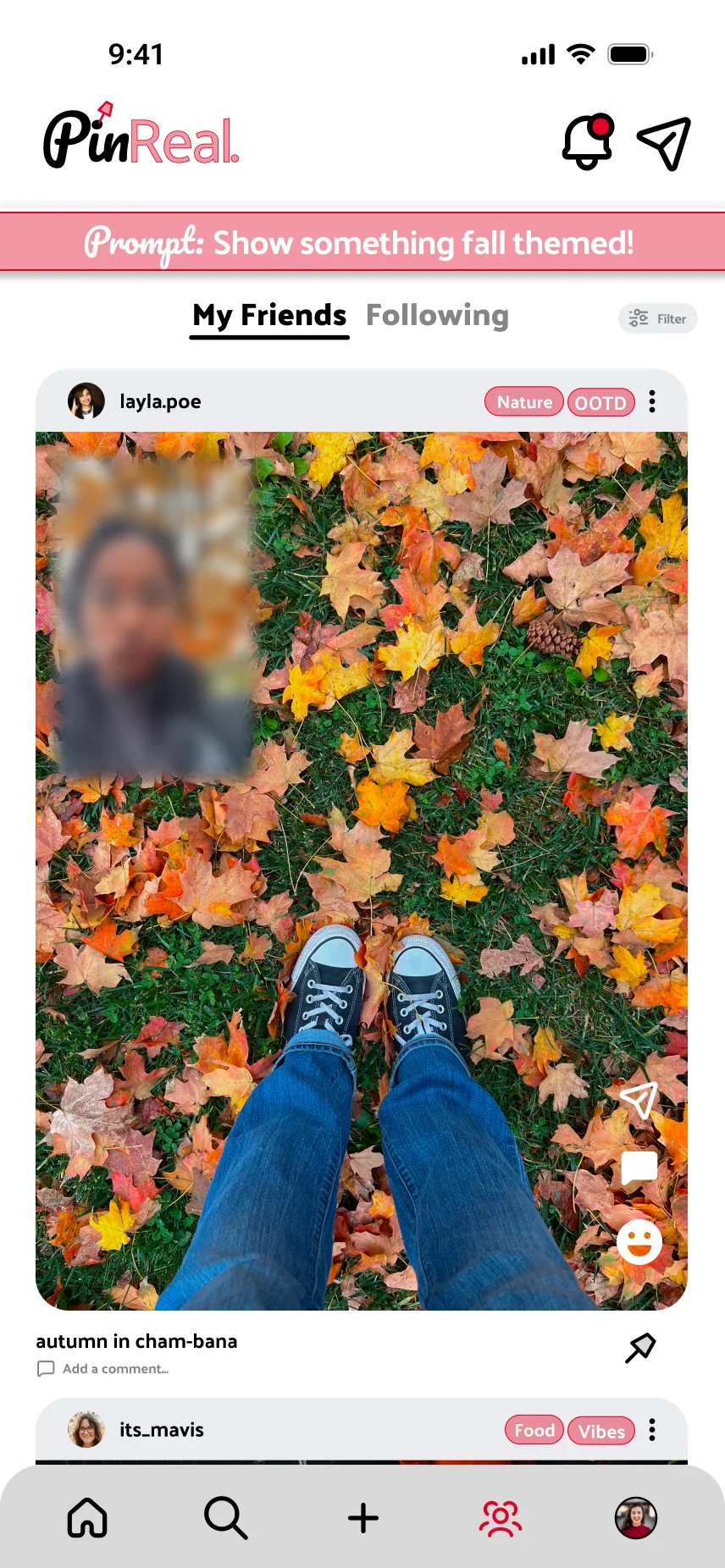
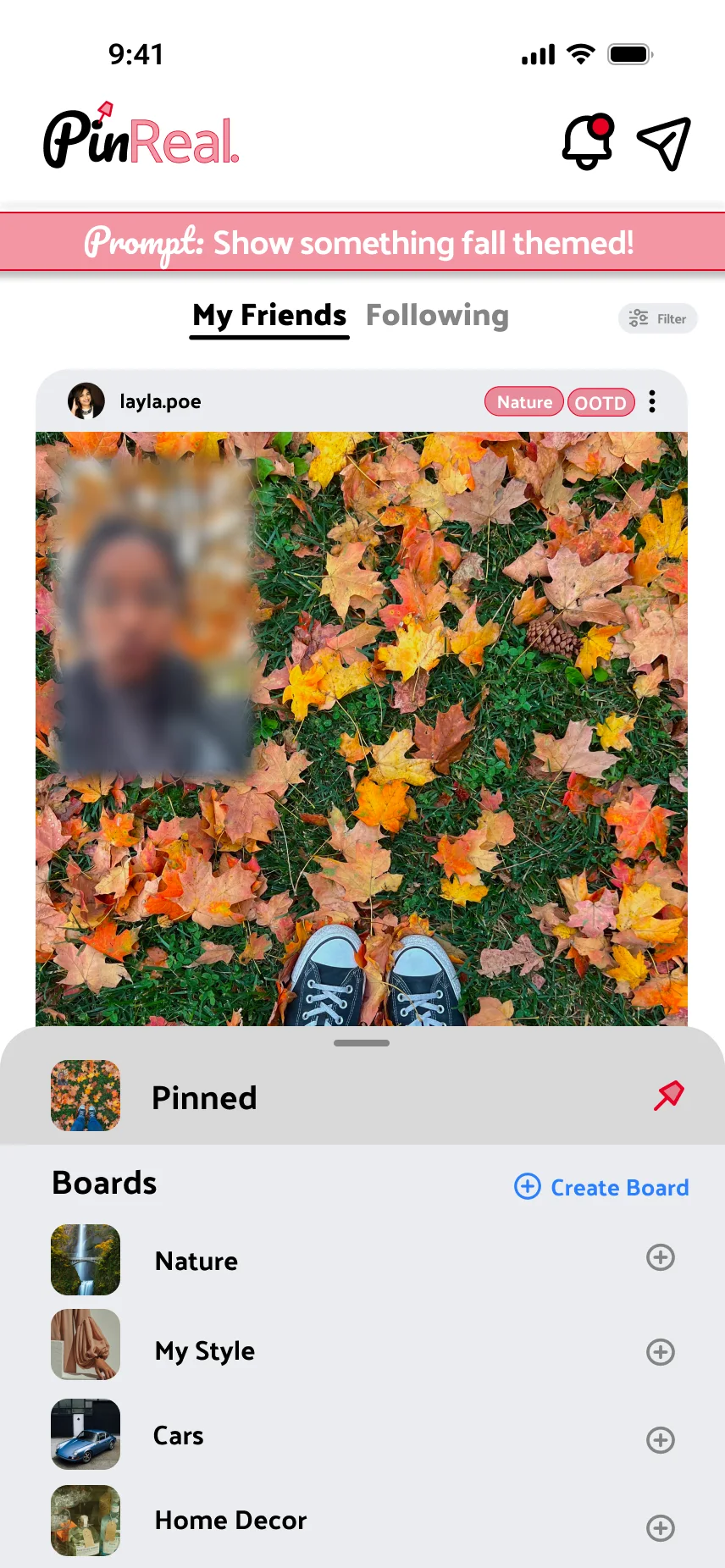
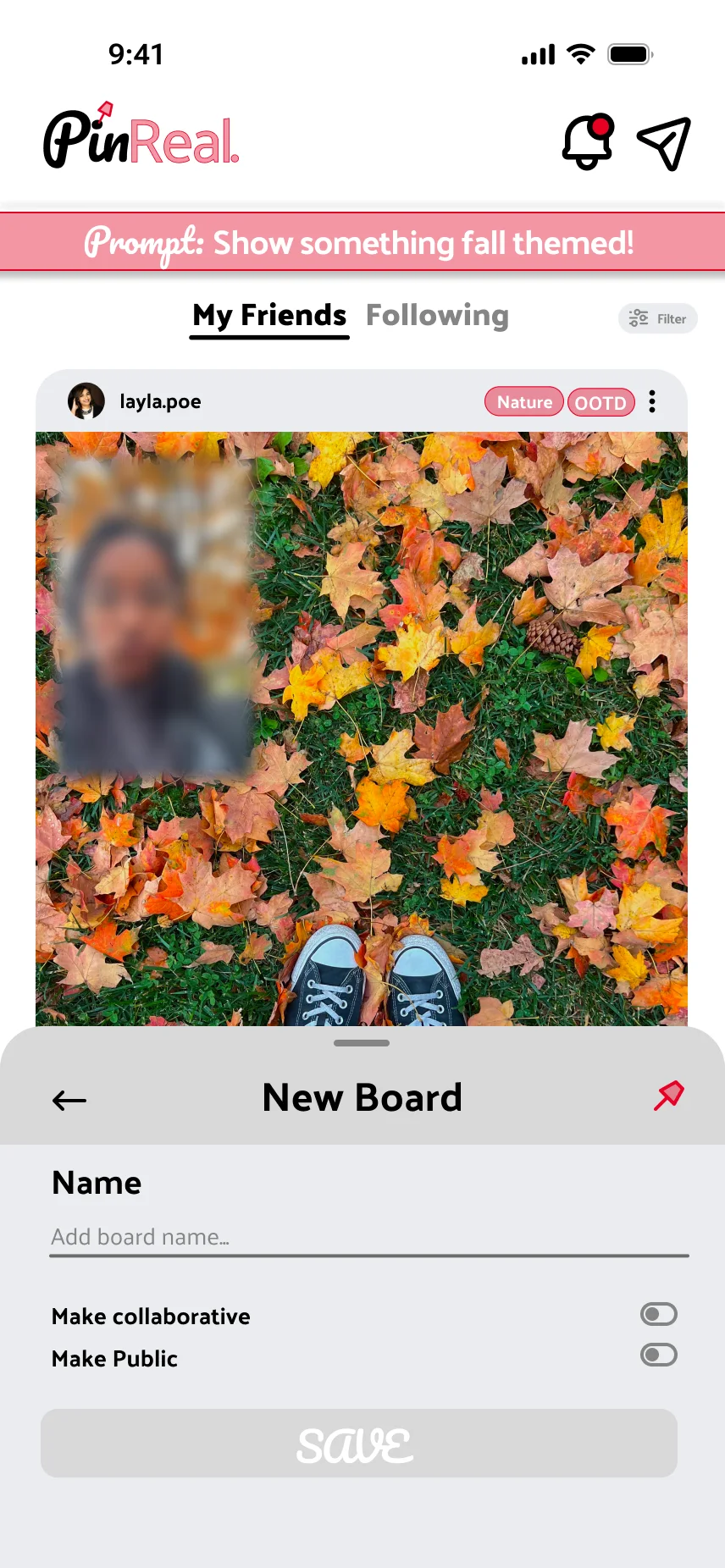
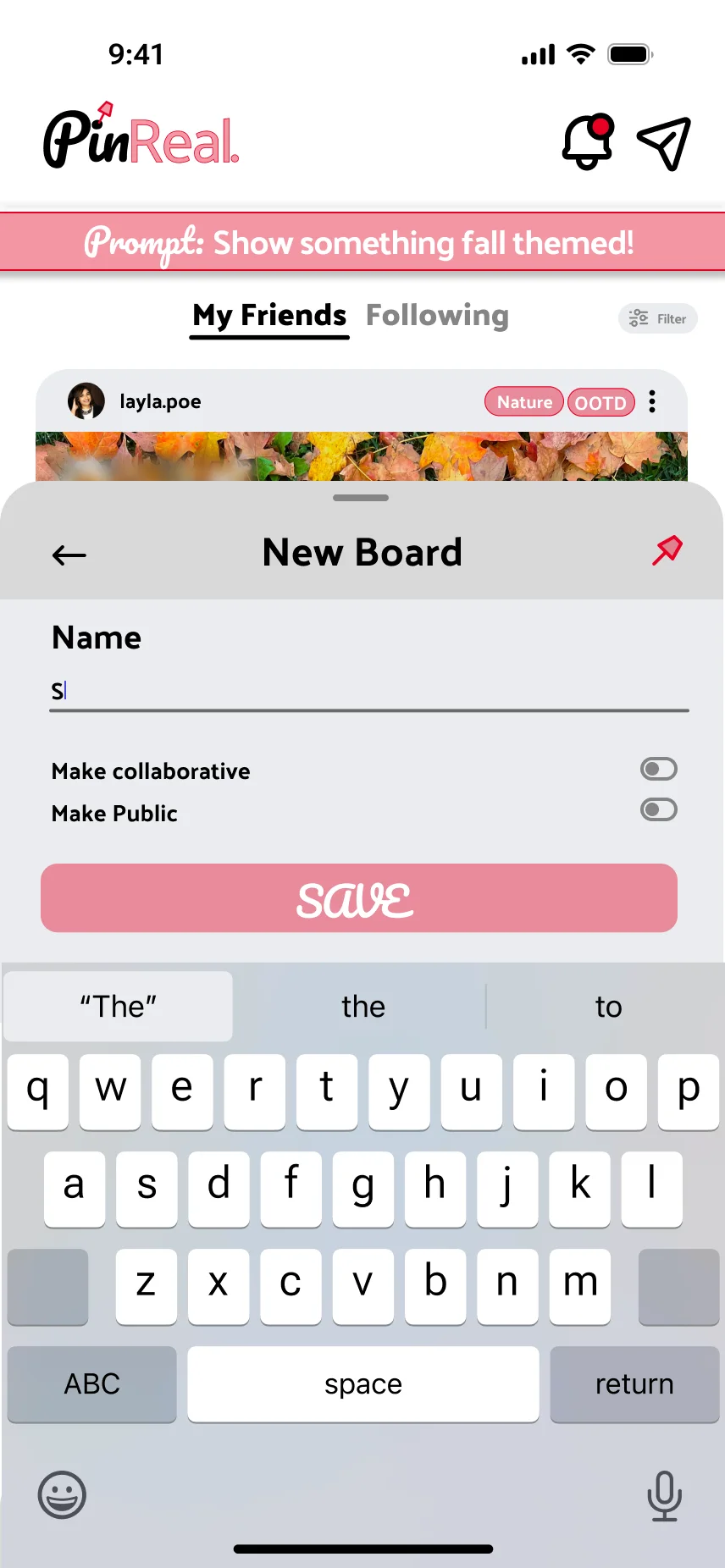
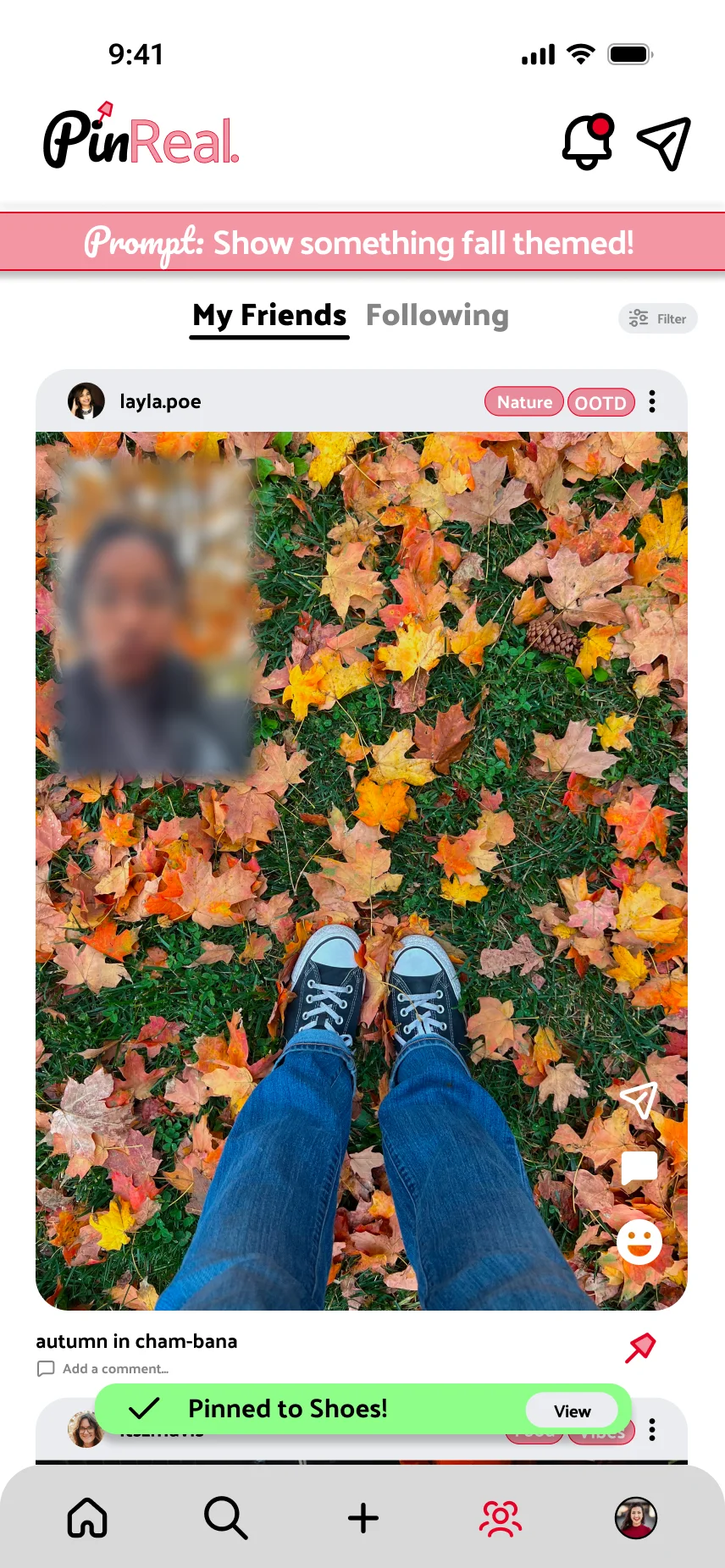
Users can pin a post to an existing board or create a new one — organizing their “pinned” posts into categories, the way Pinterest boards work.

Unlocked friends' PinReals feed
Creating a new board
Naming a new board
Pinned PinReals in a board
Pinned confirmation toast
06

Filtering PinReals.

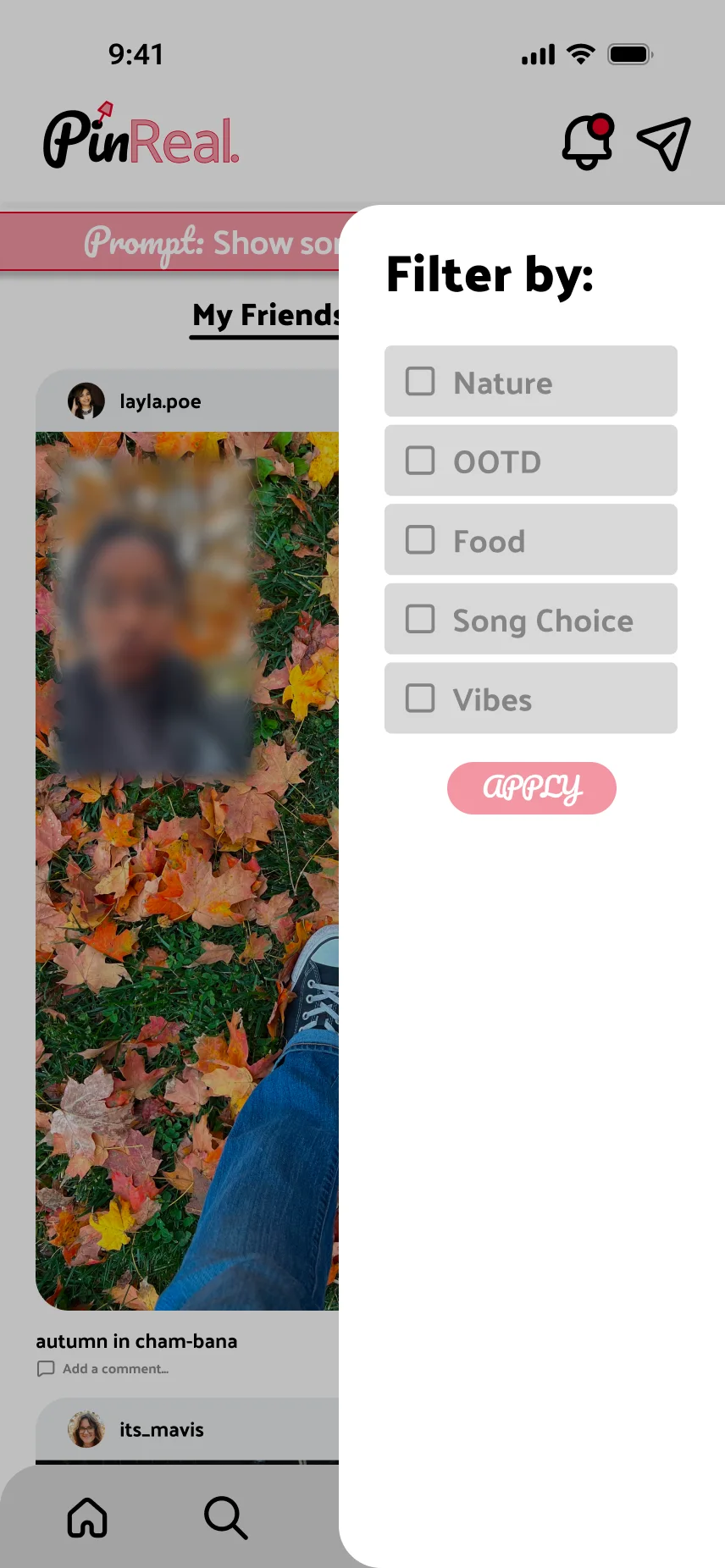
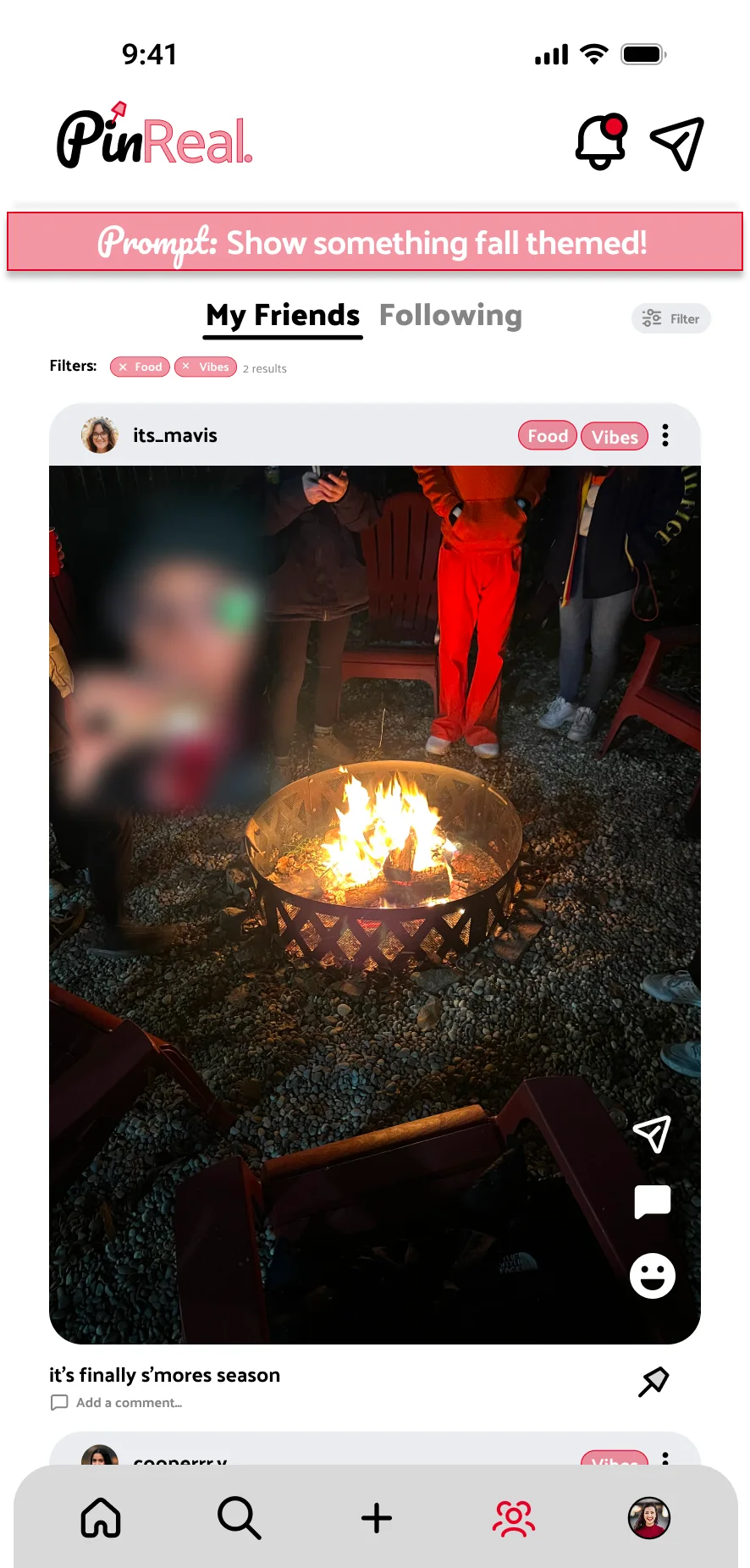
Theme tags on each post let users filter PinReals. by interest — from fashion to food to travel.

Filter by theme tag
Filters applied to feed
07

Final Feeds.

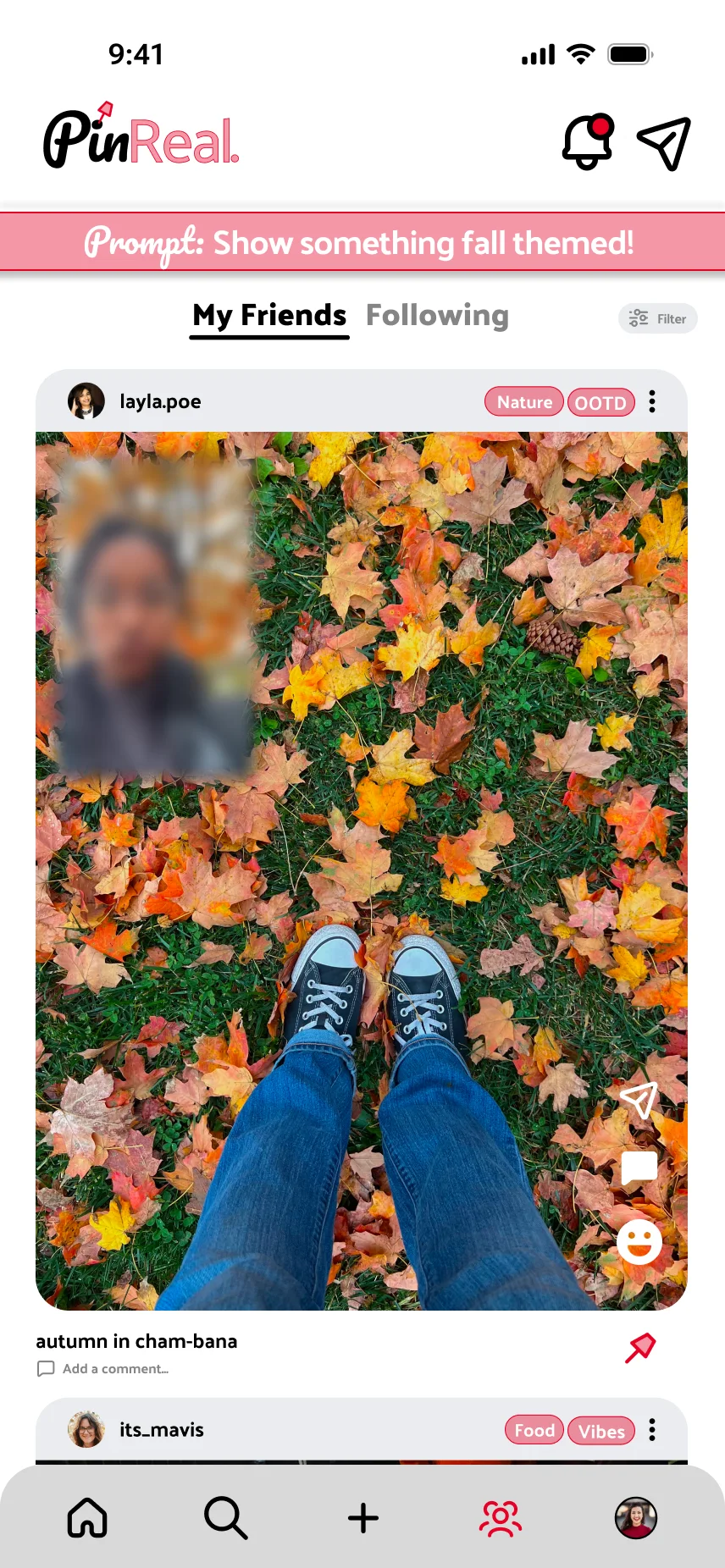
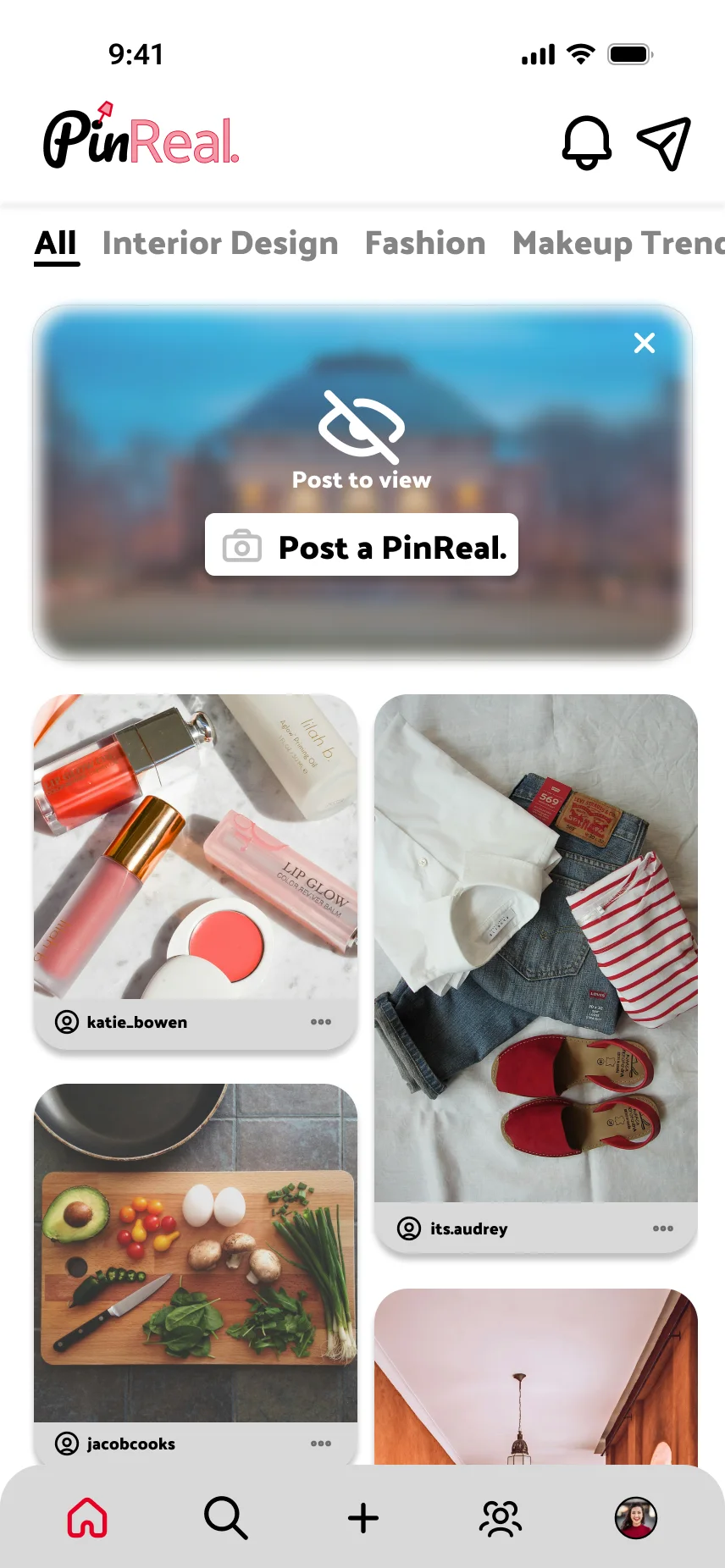
The homepage feed and the unlocked friends-and-following feed, where every prompt response and pinned moment comes together.

Homepage masonry feed
Friends' PinReals slider feed

PinReal. was an exercise in blending two distinct product languages into one cohesive interface — balancing BeReal.’s spontaneity with Pinterest’s intentional curation.