Case Study 02 · Remember — A Personal Project
 Remember
A private, invite-only space where AI turns everyone’s memories of one person into a single, living portrait.
ROLE
UX Designer
PROGRAM
PM Accelerator · 11-Week Cohort
TEAM
1 PM · 3 Designers · 4 Engineers
TIMELINE
April – June 2026
TOOLS
What is Remember?
Someone who’s lost a person they love collects memories from everyone who knew them — AI synthesizes it all into a single portrait.
Context
Built during a PM Accelerator cohort.
My Role
I designed every screen and the logo, and worked closely with engineering on how our AI pipeline’s output needed to be structured for the UI to render it.
Tech Stack
React, Vite, Tailwind, and Framer Motion up front. Node, Express, Prisma, and Supabase Postgres behind it — Supabase also handles auth and storage. Deployed on Vercel.
AI Pipeline
Three models read every contribution in parallel: Claude Sonnet for themes, GPT-4o Vision for photos, Whisper for voice.
Four Outputs
Story, Constellation, Voices, and Archive — one memorial, rendered four different ways for whoever's viewing it.
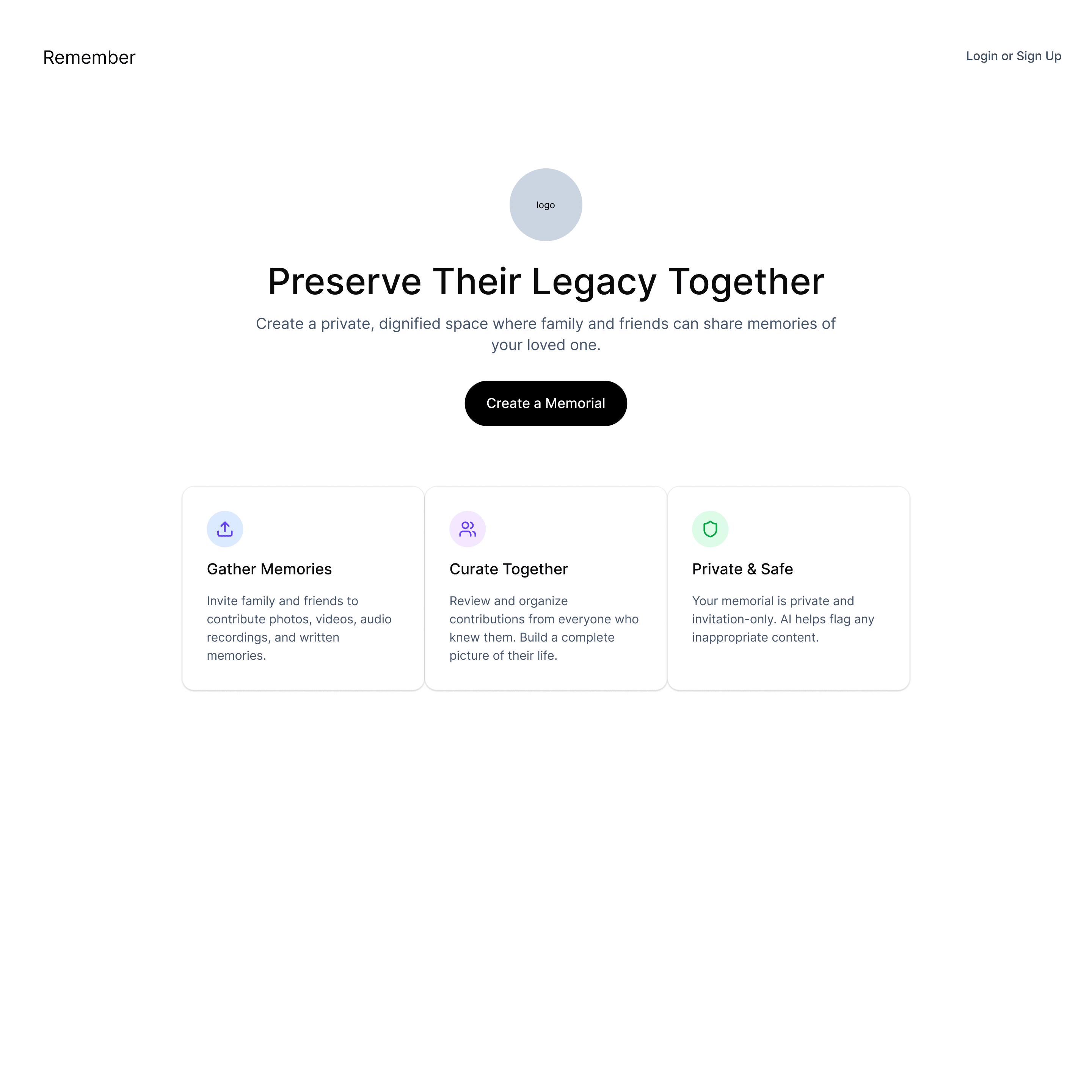
Landing page
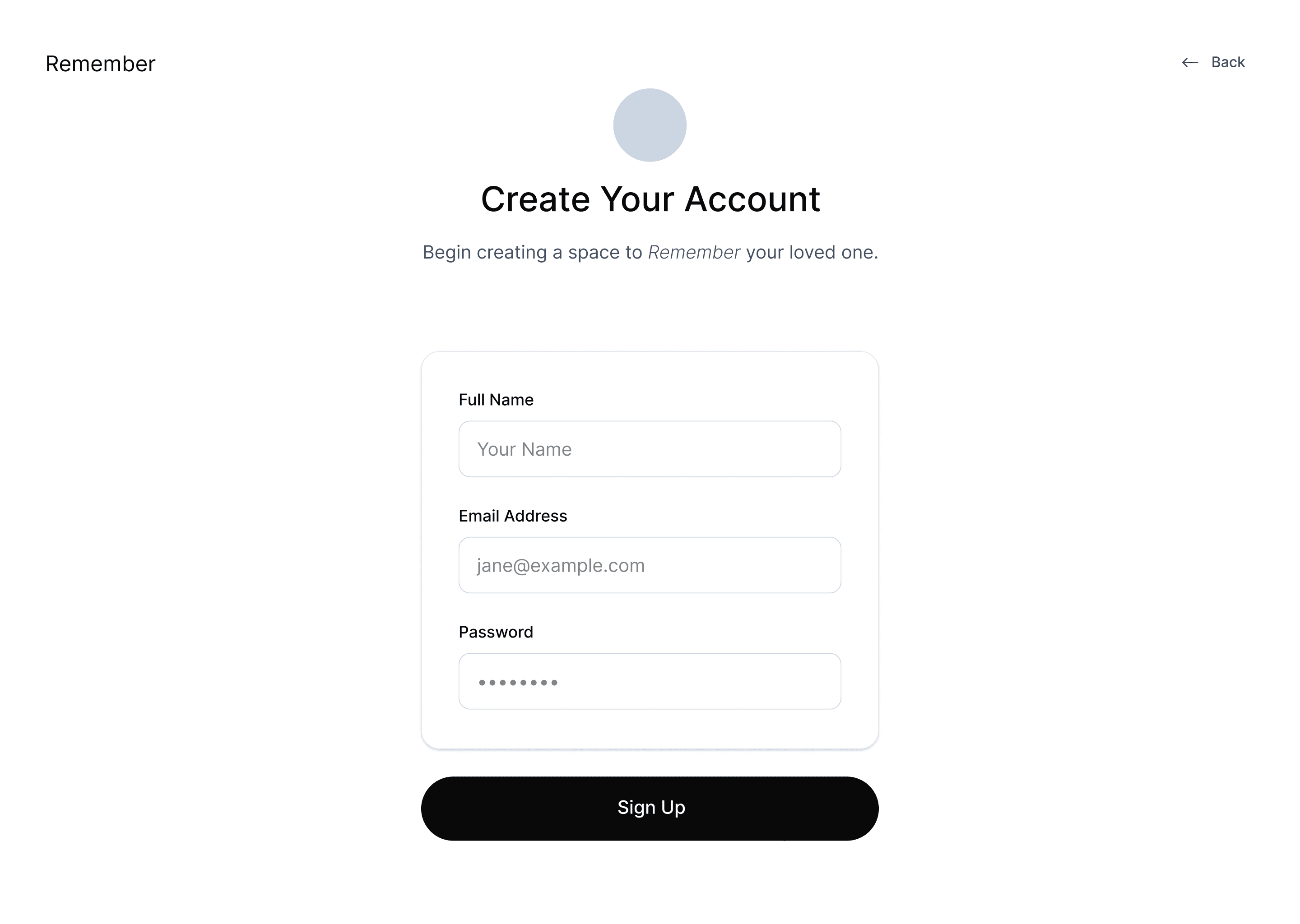
Sign In
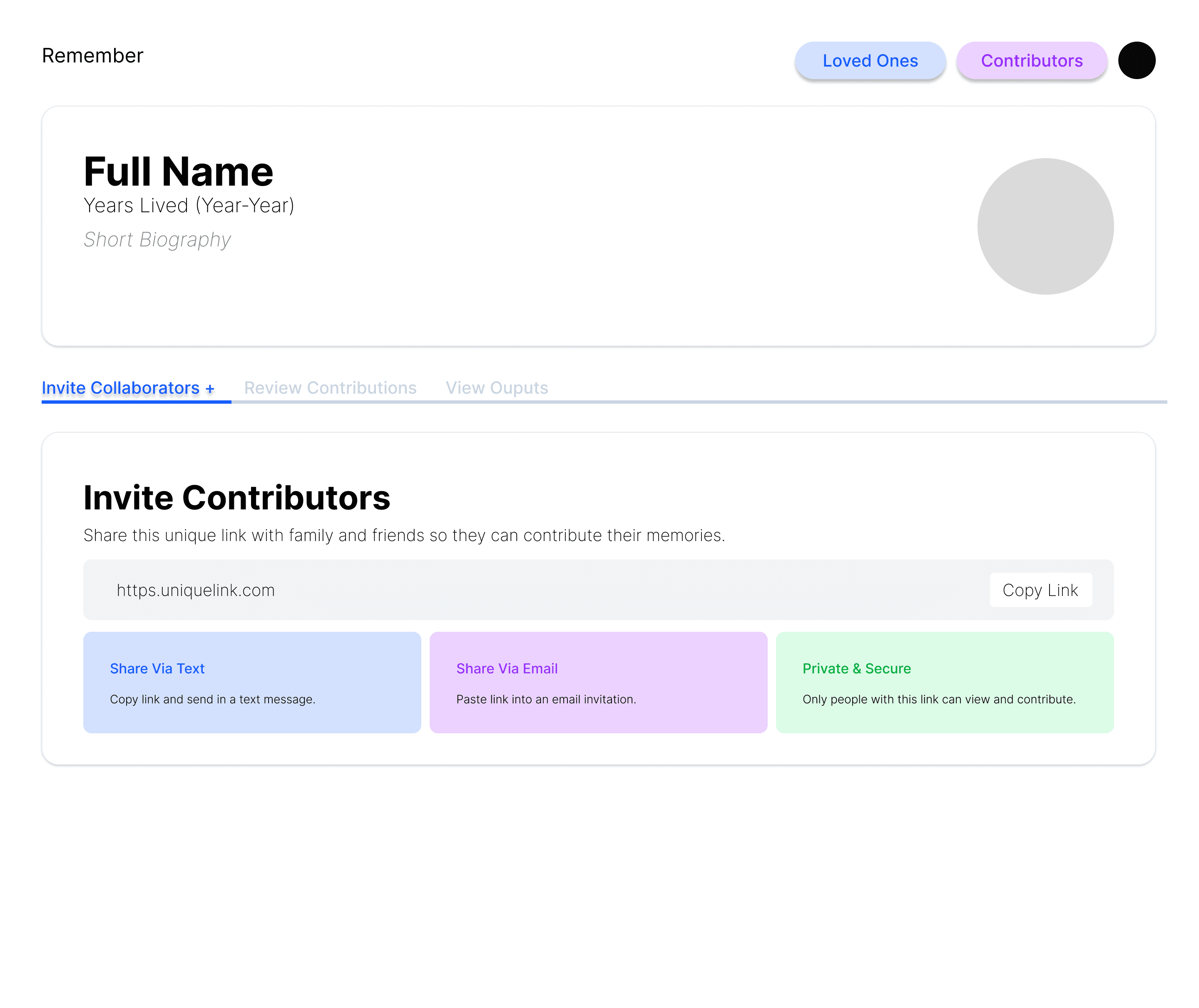
View Profiles
What people actually want from a memorial
“Voice, quirks, relational discoveries, and life chapters — not a photo dump.”
Voice
Hearing them again, in their own words.
Quirks
The habits, sayings, and nicknames only people close to them knew.
Relational discoveries
What one circle knew that another never did.
Life chapters
How their story moved through time.
Three Roles
Organizer
Creates the memorial, invites people, and clicks Generate. Also a contributor themselves — same five steps as everyone else.
Contributor
Opens an invite link, no account needed. Tags a relationship, answers a short questionnaire, uploads photos and voice.
Viewer
Reads the finished memorial, read-only. Designed as fully public — scoped to organizer-only for the MVP demo.
Full Web Flow
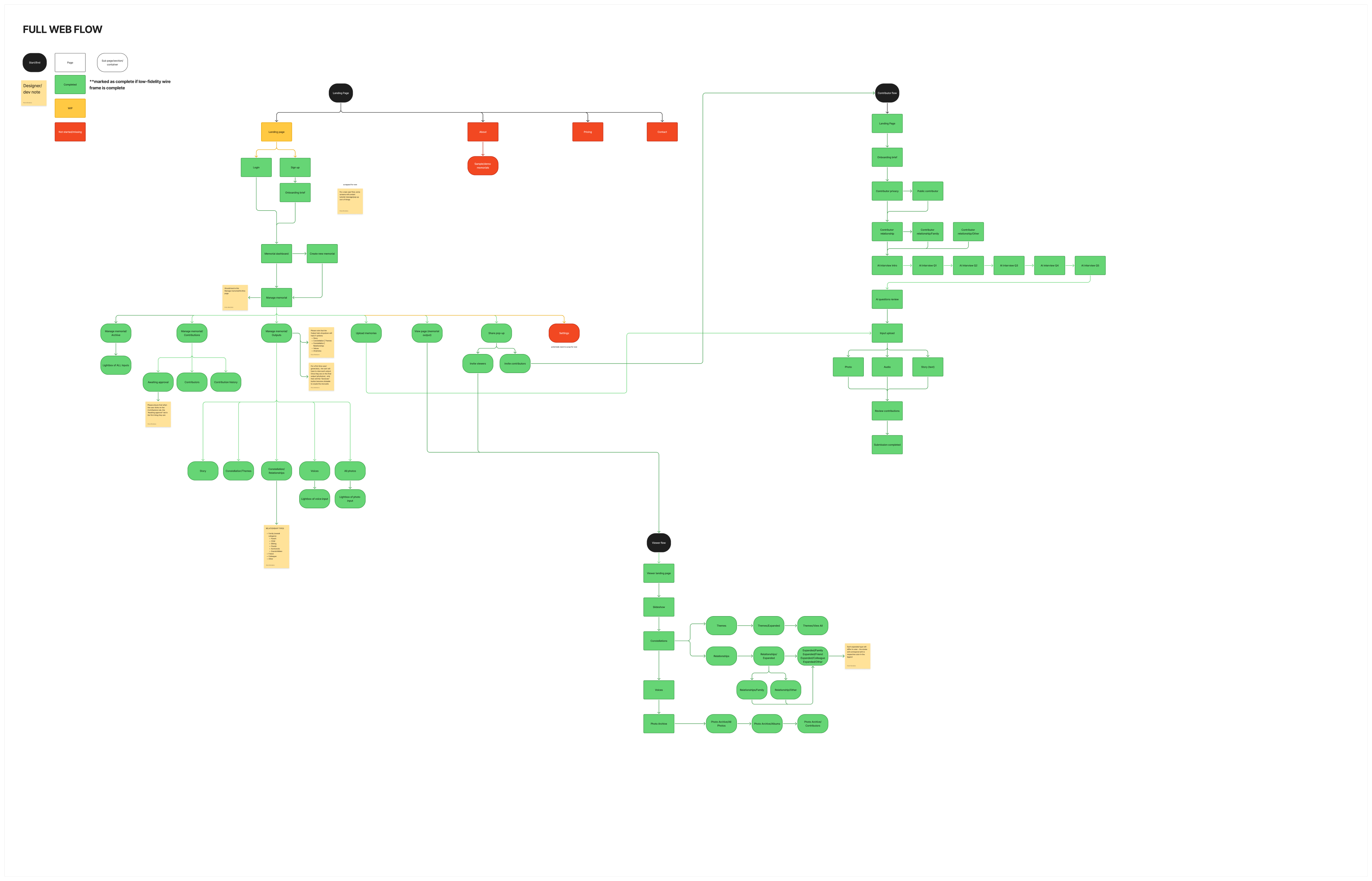
From memory to memorial
Contribution, AI processing, and organizer curation aren’t separate features — they’re one continuous pipeline.
Contribute
Five short steps, no account needed — text or voice, autosaved as you go.
AI Pipeline
Three models read every contribution in parallel the moment the organizer clicks Generate.
Claude Sonnet
Reads every questionnaire response
GPT-4o Vision
Reads every photo
Whisper
Transcribes every recording
Four Outputs (Lo-Fidelity)
Story, Constellation, Voices, and Archive — one memorial, four ways to experience it.
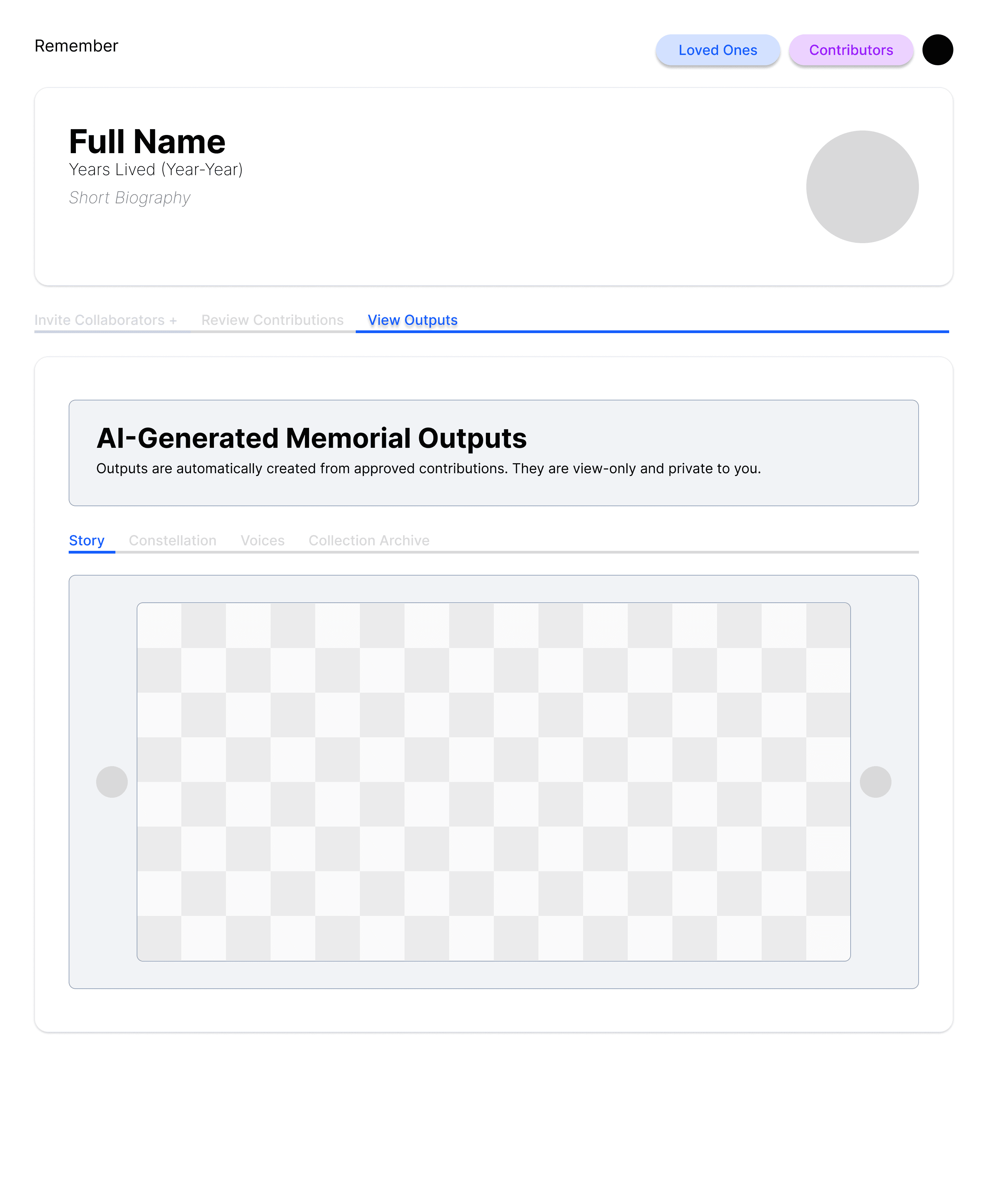
Story
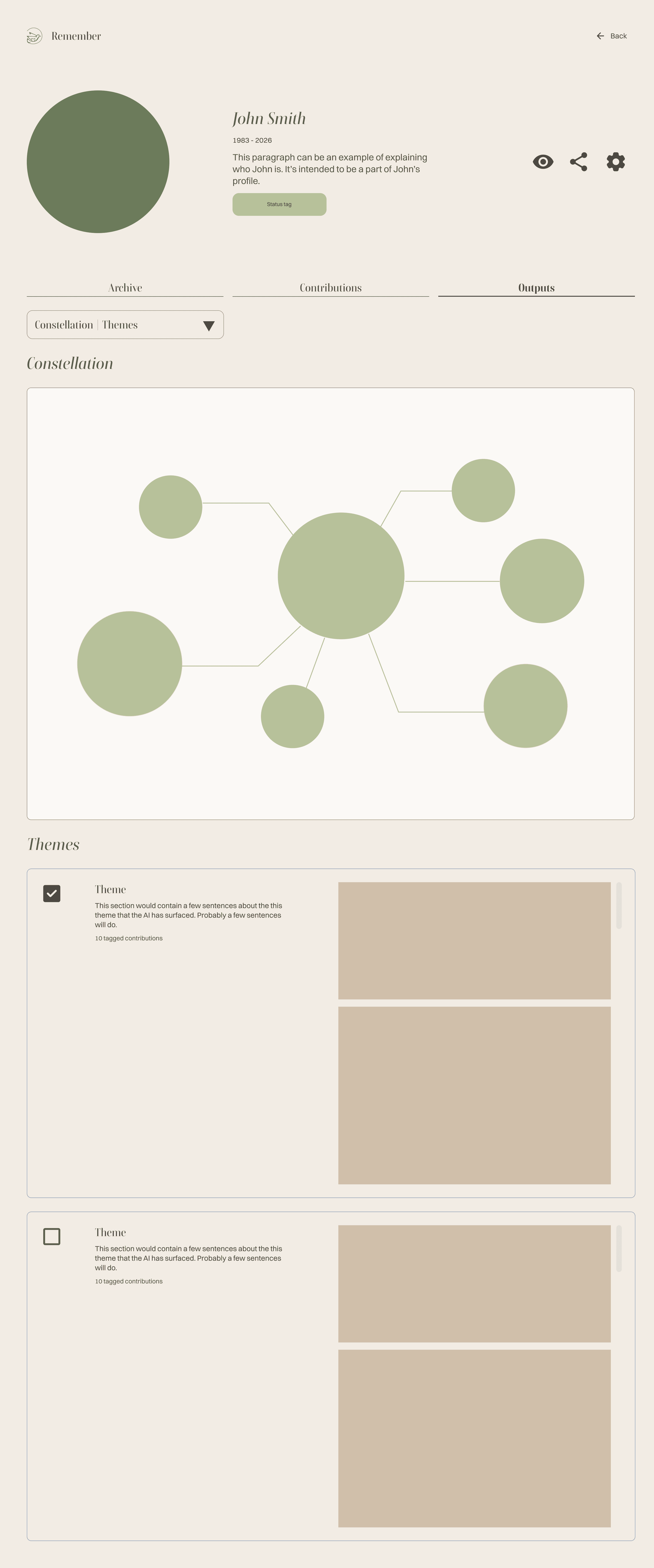
Constellation
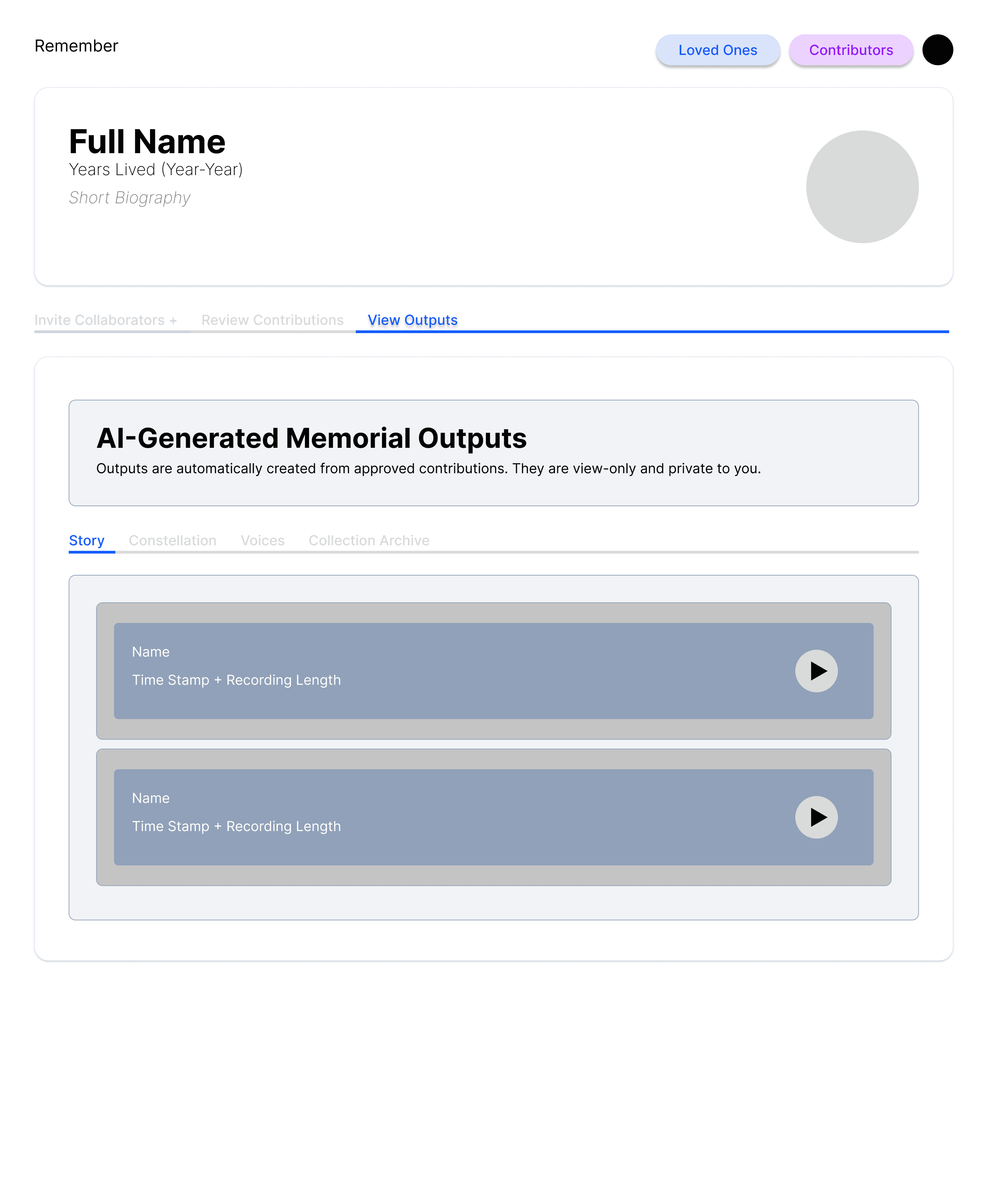
Voices
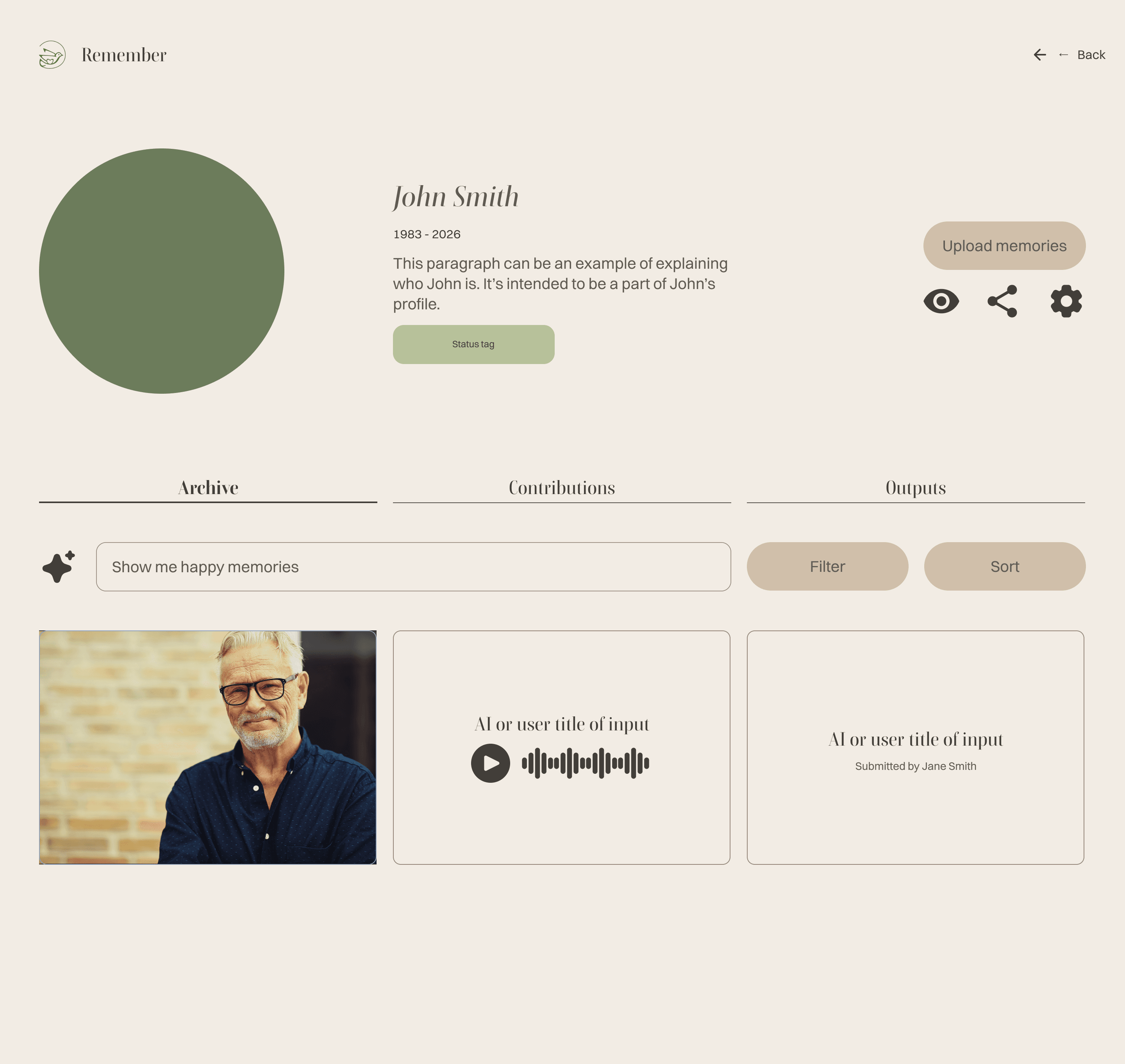
Collection Archive
Curate & Share (Lo-Fidelity)
The organizer’s side, running the whole time: invite, review, and share.
Create their profile
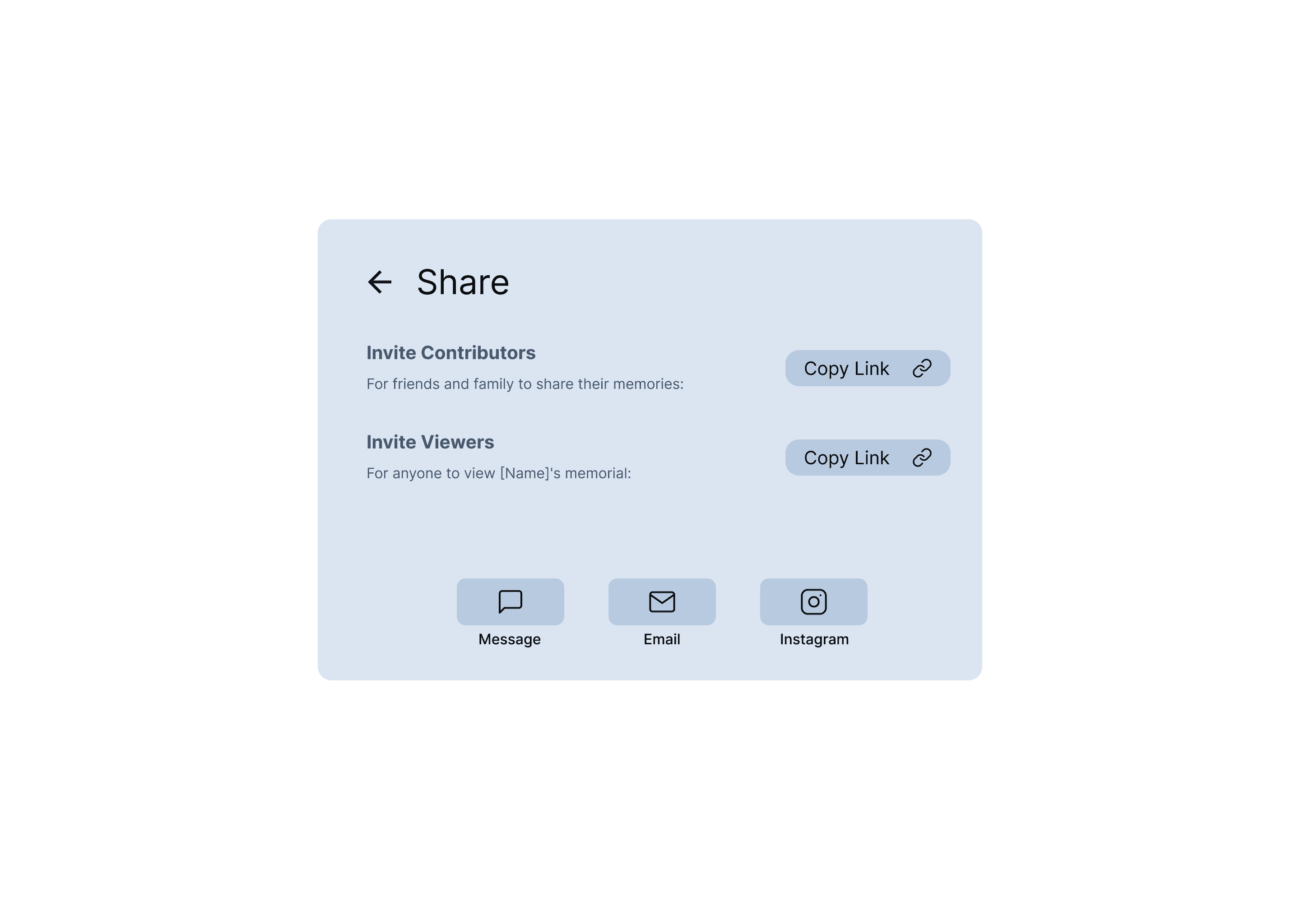
Invite contributors
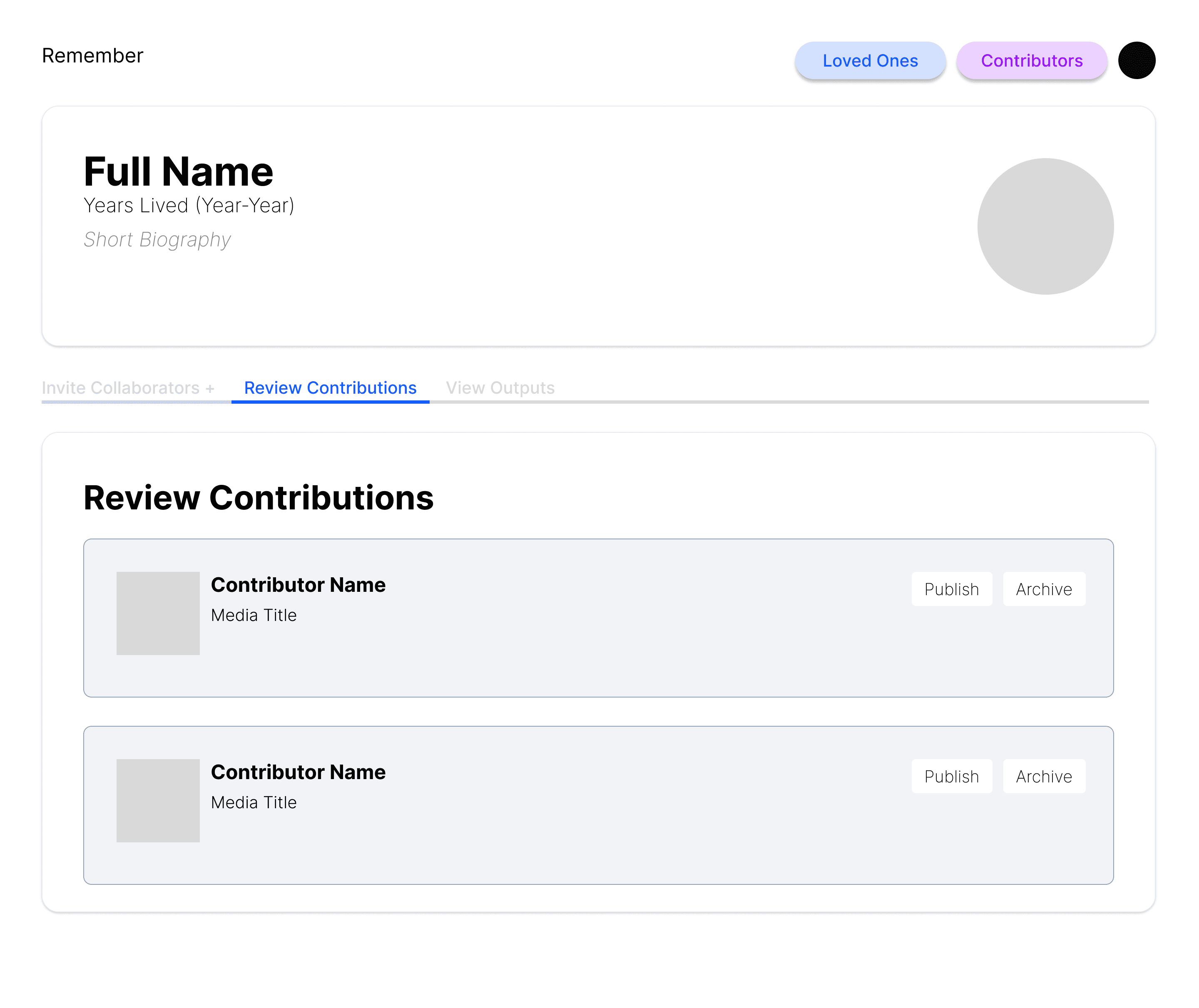
Review contributions
AI trust & safety
Two patterns, not one: inappropriate submissions are screened before an organizer sees them, and anything flagged as a hardship is held back until the organizer explicitly approves it.
Designing alongside AI
AI in my own workflow
Figma Make and Google Gemini for rapid concepting, refined by hand in Figma.
Working with the model, not the mockup
Close collaboration with the engineers on what Claude, GPT-4o, and Whisper would actually return — so the UI wasn't designed for data that didn't exist.
Shipping on a real clock
Wireframes, a developer pitch, a 14-section PRD, 36 user stories — ending in a live demo day.
Rapid Iteration With Figma Make
[These are the shipped output panels — swap in the Figma Make explorations when you have them.]
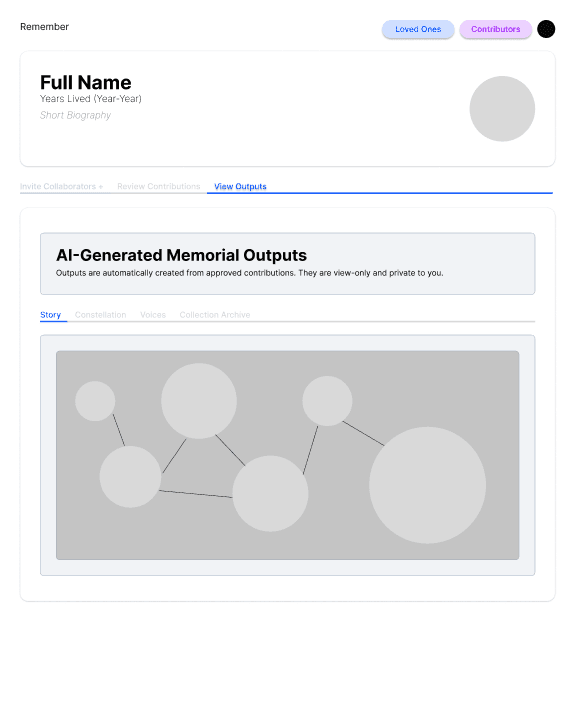
Constellation
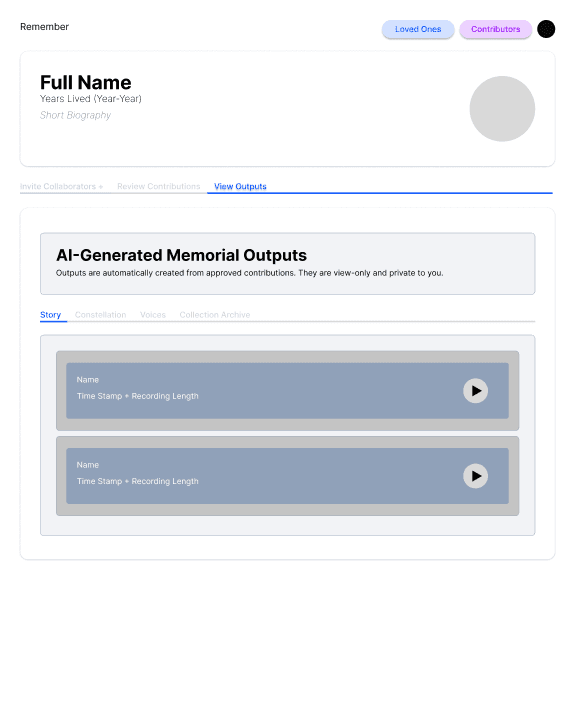
Voices
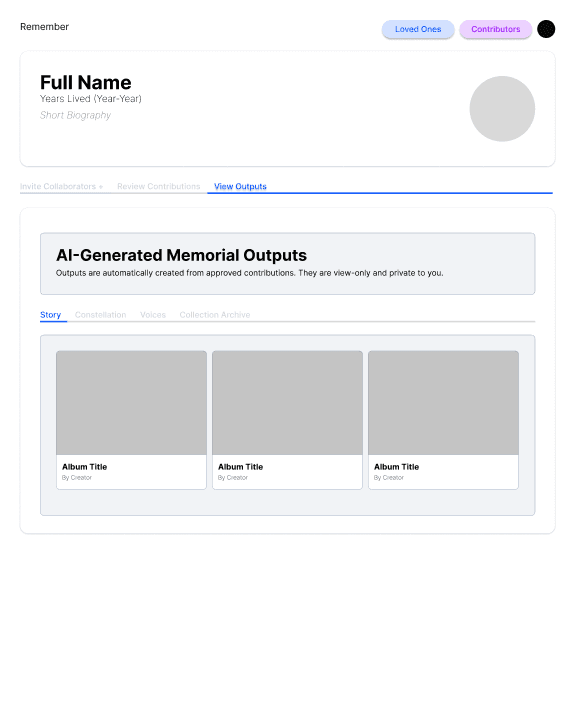
Collection Archive
Design System
Logo — designed independently
A hand-drawn dove cradling a heart — a quiet symbol of peace and remembrance, paired with a serif wordmark to keep the brand personal rather than corporate.
Emotional Moments
Serif Display
Names, dates, AI-extracted quotes, the questionnaire — anywhere the product needed to feel personal.
Everyday UI
Sans UI
Navigation, dashboards, forms — legible and quiet so it never competes with what someone submitted.
Colour Palette — sampled from the product
#F2ECE4
Warm Canvas
#6C7C5B
Olive · Primary
#B7C19A
Sage
#D0BFAA
Warm Tan
#EDCDC2
Dusty Rose
#0A0A0A
Ink
Tan, rose, and sage double as the relationship legend on the Constellation map — family, friend, and colleague.
Recurring Patterns
Eleven weeks from a discovery interview to a live demo day — designing the interface for three AI models that had never met each other before this product asked them to.
View Live Site →View Other Projects
AbbVie
UX design internship, Summer 2026 — case study in progress.
View →Nouri.
Simplifying meal prep and making healthy eating feel effortless.
View →PinReal.
Where authenticity meets creativity — a BeReal. × Pinterest concept mashup.
View →Arco
A chair built around one continuous arc that supports, welcomes, and lasts.
View →Oblique Vase
A dual-layered glass vase that leans off-center — a quiet tilt towards beauty.
View →